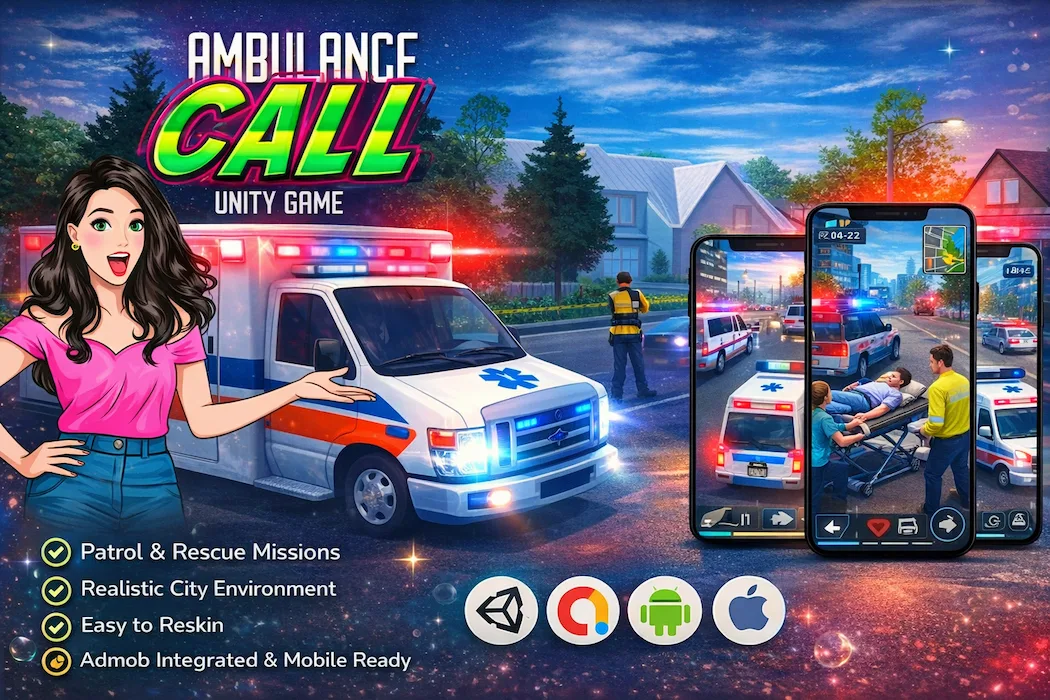

The call comes in. A patient is down, the clock is already running, and every second behind the wheel matters. That's the premise driving the Ambulance Call Drive Unity Game Source Code — an emergency driving simulation built in Unity that turns the tension of real-world rescue work into a genuinely gripping mobile gameplay loop.
This isn't a generic racing template wearing a siren skin. It's a complete, ready-to-publish Unity simulation game source code built around mission structure, traffic navigation, and time-pressure decision-making — the exact ingredients that make emergency-response games some of the most engaging titles in the simulation genre on both the Play Store and App Store.
If you've been searching for an ambulance driving game source code or a Unity emergency simulation template that's already structured, optimized, and reskin-ready, this project is built specifically for that brief.
Driving simulators are everywhere on mobile, but the ones that genuinely stick are the ones with purpose. Random delivery routes get boring fast. A countdown timer attached to someone's life does not. That's the psychological hook behind ambulance and emergency-response games — every drive feels meaningful, every near-miss feels earned, and every successful delivery to the hospital feels like a small victory.
This template channels that tension directly into the gameplay loop, combining the accessibility of casual mobile driving controls with the urgency of mission-based objectives.
From the opening seconds of a session, players are dropped straight into the role of an ambulance driver on duty:
This loop — call, drive, rescue, deliver — repeats with rising intensity, and it's exactly the kind of structured progression that keeps mobile players opening the app "just one more time."
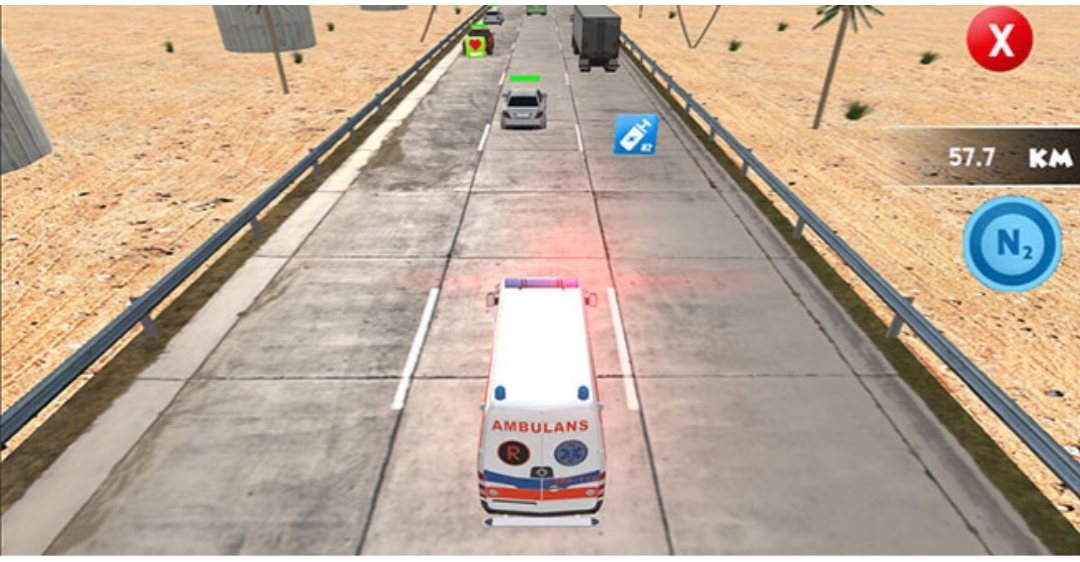
Good emergency-driving games live or die by how the actual driving feels. This template strikes a careful balance between accessibility and realism:
The result is a driving model that's forgiving enough for casual mobile audiences but skill-rewarding enough to keep more dedicated players engaged session after session. That same "easy to learn, satisfying to master" design philosophy is what makes arena-combat titles like the Bomber Battle Unity Game – Complete Source Code with Power-Ups System so replayable — accessible controls layered over genuinely skill-based outcomes.
A single repeating drive would get stale fast, so the game is structured around escalating, mission-driven objectives:
This kind of structured difficulty curve — easy entry point, deepening challenge — mirrors the design logic found in arena and combat-style projects too. The escalating opponent behavior in Bomberman Style 3D Game Unity – Complete Source Code follows the same principle: keep the early game approachable, then layer in complexity to reward continued play.
Retention in mobile simulation games comes down to a handful of repeatable hooks, and this template includes the ones that matter most:
None of these systems exist in isolation — together, they create the kind of "five more minutes" pull that turns a casual download into a daily-use app.
Presentation matters just as much as mechanics when it comes to first impressions in the App Store and Play Store. This template's environments are built with that in mind:
The combination supports both immersion (players genuinely feel like they're racing against the clock) and performance (the game stays smooth even on mid-range devices, which matters enormously for retention and store ratings).
Beyond what players see, the underlying project is structured to make customization genuinely painless:
You don't need a senior-level Unity background to work inside this project. The code is approachable enough for developers just getting comfortable with mobile game architecture, while still being flexible enough for experienced teams to extend significantly.
While the core build focuses on gameplay systems, the architecture is intentionally left open for monetization layers — rewarded ads for mission retries or bonus equipment, interstitials between missions, and banner placements that don't interrupt active driving sequences. Setting this up correctly is one of the most common stumbling blocks for first-time Unity developers, so it's worth approaching deliberately rather than bolting it on at the last minute before launch.
Because ad placement timing matters so much in mission-based games — interrupting a player mid-drive is a fast way to tank retention — it's worth planning where interstitials sit in the flow before you start wiring anything up. Natural breakpoints like the post-mission summary screen, the garage or vehicle-select menu, and voluntary "watch an ad for a bonus" prompts tend to perform far better than placements dropped in arbitrarily.
Simulation and driving games are particularly sensitive to performance issues, since even small frame drops during a high-speed sequence can break immersion instantly. A few areas worth paying attention to when customizing this template:
Because the underlying project is already optimized for mobile from the ground up, most of this is about preserving that baseline as you customize rather than fixing performance problems from scratch.
The base template is launch-ready, but it's also designed to scale well beyond its initial scope:
If you're thinking about diversifying beyond driving simulation into other genres for the same app portfolio, idle-management titles like Boss Market 3D Unity Game Source Code – Idle Shop Simulator with Full Project pair surprisingly well — slower, strategic gameplay that balances out the high-tempo urgency of an ambulance simulator. For something with a completely different physical-comedy energy, the Bounce Brawl Arena – Idle Trampoline Fighting Game Unity Source Code is a fun contrast — chaotic, physics-driven, and built for short, replayable sessions rather than mission-based structure.
This project works well across a wide range of developer profiles:
New Unity developers get a real, working example of how mission structure, timed objectives, and vehicle physics come together in a finished, publishable game.
Indie developers can skip the months of systems-design work that go into building a believable driving and mission framework from scratch, and move straight into branding and polish.
Studios can use the project as a base layer to build out multiple themed variants — fire trucks, police response, disaster rescue — all sharing the same underlying architecture.
Freelancers and resellers get a dependable foundation they can customize quickly and deliver to clients without rebuilding core driving mechanics every time.
If you want to compare this approach against building a similar simulation game completely from scratch, this breakdown on why Unity source code is the fastest way to build and launch games lays out the time and cost trade-offs clearly — useful reading whether this is your first Unity project or your fiftieth.
The Ambulance Call Drive Unity Game Source Code – Emergency Simulation Game delivers a complete, tension-driven simulation experience built around something every player intuitively understands: time matters, and getting there fast matters more. With realistic driving mechanics, structured mission-based progression, and a clean, developer-friendly codebase, it gives you everything needed to launch a polished emergency-response game without starting from a blank Unity project.
Whether you're targeting simulation fans, action-driving audiences, or building out a broader portfolio of mobile titles, this template provides a strong, scalable foundation. To browse the rest of the available projects and find titles that complement this one, the full Unity games source code catalog is the best place to start.
👩🏻💻Requirements
Current Version: 2019.4.22f1
Platform
Unity 6000 or higher
Contact us on Team for technical help
Team ID: Unity Source Code
Don’t forget to review us!🌟🌟🌟🌟🌟
You need to login to comment!
Total Sold:
0
Total Comments: