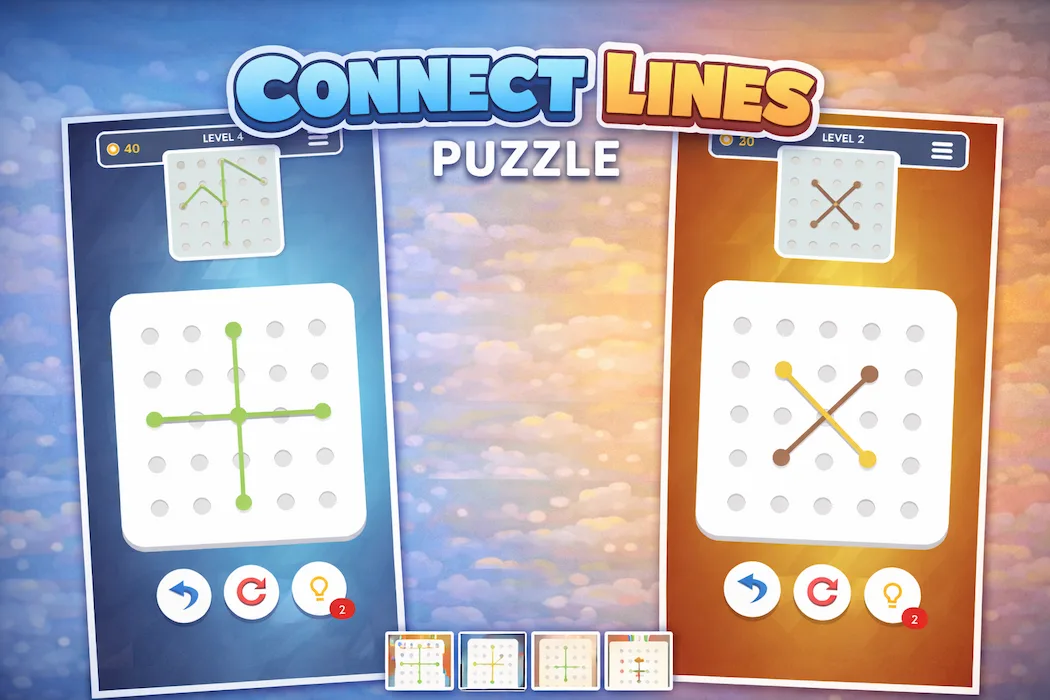

There's a reason flow-style puzzles have stuck around for over a decade without losing popularity: they take almost nothing to explain and almost everything to master. Connect Lines Puzzle builds on that exact formula — players link matching points across a grid, avoiding overlaps, until every connection clicks into place. No tutorials needed, no complicated systems, just pure spatial logic.
For developers scouting a lightweight, quick-to-launch Unity puzzle template, this project checks a lot of practical boxes. It's simple to understand, cheap to license, and structured in a way that makes customization far less painful than it usually is with puzzle mechanics.
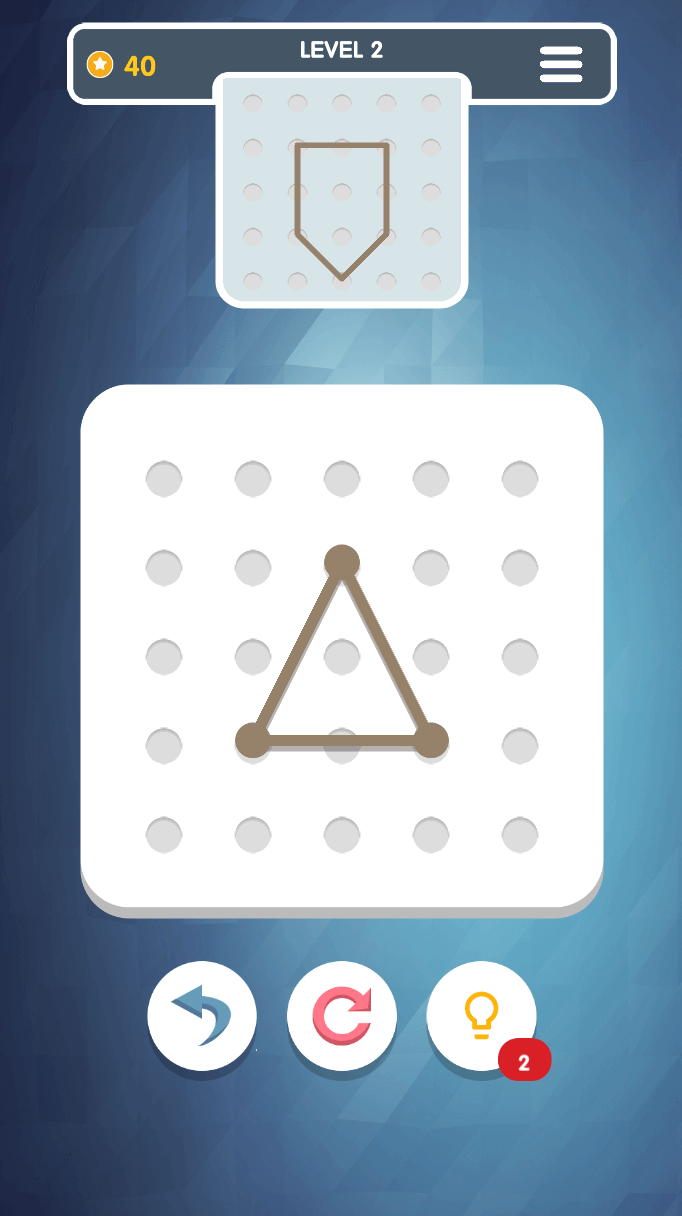
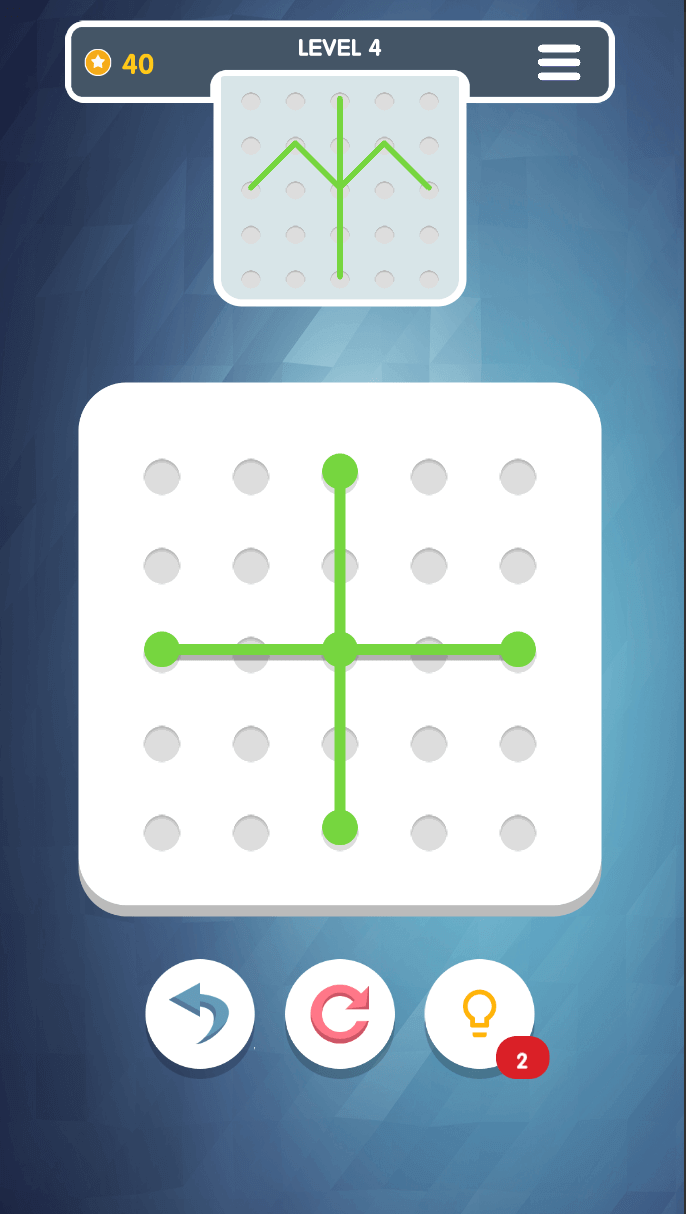
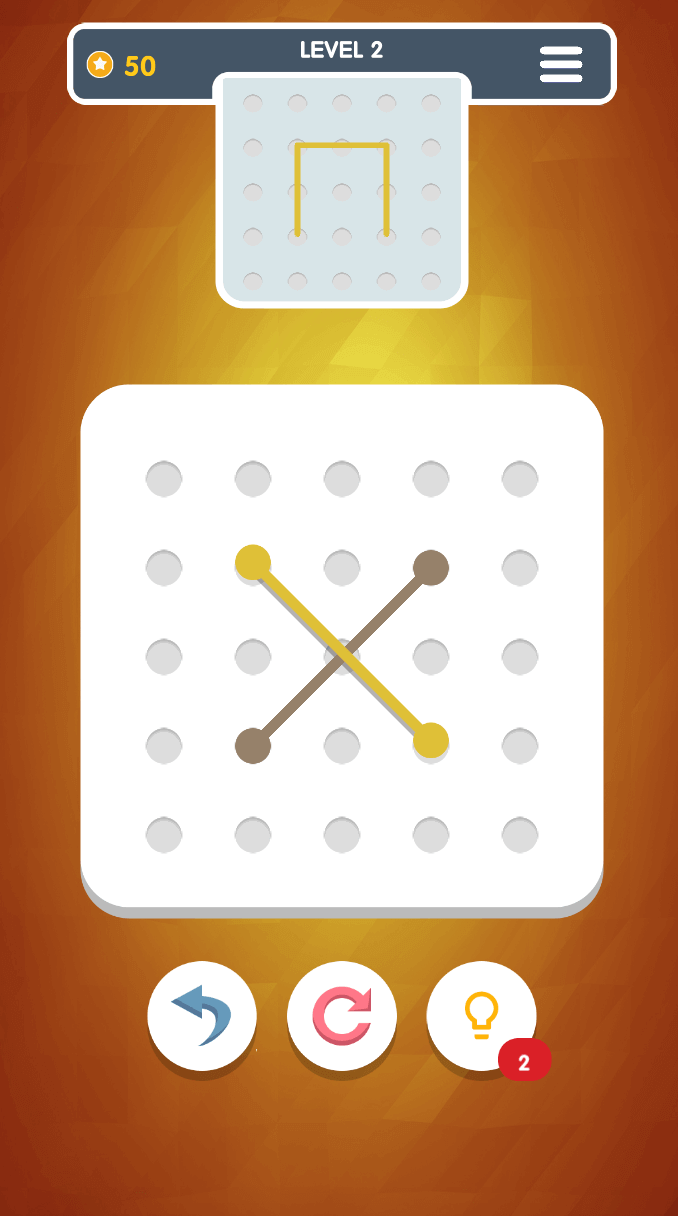
Players draw lines connecting identical points on a grid. The catch is that paths can't cross or overlap, which means every single move affects what's possible later. A connection that looks obvious at first glance can quietly box a player into a dead end two moves down the line.
That's the entire tension of the genre — nothing flashy, just careful, deliberate thinking dressed up as a casual mobile game.
Compare this to a genre like Pipe Flow, and you'll notice a shared design philosophy: constraint-based logic where every action limits future options. That kind of mechanic rewards players who think two or three steps ahead, without ever needing complicated rules to explain why.
The appeal isn't really about the visuals or theme — it's about that quiet moment of satisfaction when a grid finally clicks into place after a few failed attempts.
Early grids are small and forgiving, giving new players room to understand the mechanic without pressure. As progress continues, grids expand, connection points multiply, and the margin for error shrinks considerably. That gradual ramp-up is deliberate — throwing a complex grid at a first-time player almost guarantees an early uninstall, while ramping difficulty slowly keeps people engaged long enough to genuinely improve.
Good puzzle game controls are the ones players stop noticing entirely. Here, that means:
There's no friction between having an idea and testing it, which keeps the experimentation loop fast and frustration-free.
The presentation sticks to clean grids, bright distinguishable colors, and smooth transition animations — nothing distracting from the actual puzzle-solving. This kind of minimalist direction isn't a budget compromise; it's a legitimate design choice that keeps player attention exactly where it needs to be.
The underlying C# structure is modular enough that adding new grid sizes, adjusting puzzle parameters, or swapping UI assets doesn't require touching unrelated systems. For developers who want to build a whole series of puzzle games off a single foundation, that kind of separation matters far more than it might seem at first glance.
If you're new to Unity development generally and want a broader sense of which project types are realistic starting points, this list of best Unity projects for new developers is a solid companion read before committing to any single template.
The gameplay cycle follows a familiar shape: analyze the grid, connect the points, complete the level, then move to something slightly harder. Because puzzles here are logic-based rather than reflex-based, players often return specifically to try solving a level more efficiently than their last attempt — a subtle but effective retention hook that doesn't rely on artificial pressure like timers or lives.
Level-based puzzle games naturally create clean monetization breakpoints:
Because players are already pausing between levels to think or plan, ad placements here tend to feel far less disruptive than in continuous-action genres.
Once the core template is live, there's meaningful room to expand it:
None of these are necessary for a first release, but each one adds a reason for players to keep the app installed well past their first session.
If tap-based rhythm challenges appeal to you more than grid logic, Piano Tiles offers a completely different but equally accessible mechanic. For a slower, decor-focused casual loop, Pick Up a Room takes puzzle-adjacent gameplay in a home-organization direction instead.
If you're drawn to physics-based puzzle-solving rather than pure logic grids, Pin Pulling offers a satisfying alternative built around object removal mechanics. And since flow-based path logic is central to this template, it's genuinely worth comparing directly against Pipe Flow to see two different takes on similar connection-based mechanics.
For a broader look at the genre landscape before deciding what fits your goals, the full Games catalog is worth browsing, and this guide on making games in Unity covers useful groundwork if you're still early in your development process.
Add-on services are also available for publishing, app store optimization (offered in Basic, Standard, Premium, and iOS tiers), custom branding, full reskin work, and extended support beyond the included period.
Connect Lines Puzzle proves that a genuinely engaging mobile game doesn't need elaborate systems or heavy visuals — it needs a mechanic that respects the player's intelligence and a difficulty curve that earns their continued attention. With a clean, modular codebase and a licensing structure friendly to smaller budgets, this template is a practical, low-risk starting point for developers who want a logic puzzle game that's ready to customize and publish without unnecessary complexity.
1. What genre does Connect Lines Puzzle fall under?
It's a flow-style logic puzzle where players connect matching points across a grid without overlapping paths.
2. Which Unity version is this project built on?
Unity 2021.2.7f1 is the current supported version for this template.
3. Is this suitable for developers with limited Unity experience?
Yes. The codebase is organized in a modular way that makes it accessible even for developers newer to Unity's structure.
4. Can I add new grid sizes or difficulty modes?
Yes, the architecture is designed to support new grid sizes, additional connection points, and expanded difficulty settings.
5. What monetization methods are supported?
AdMob integration is included, along with support for rewarded ads, interstitial placements, and future in-app purchase options.
6. What's the difference between the Regular and Extended License?
The Regular License ($19) includes 3 months of support, while the Extended License ($49) includes 6 months of support along with extended usage rights.
7. Which Android versions does this template support?
It supports Android versions 9.0 through 15.0, along with standard iOS compatibility.
8. Is documentation included with the purchase?
Yes, the package includes full documentation alongside the APK and PNG assets to speed up setup and customization.
You need to login to comment!
Total Sold:
0
Total Comments: