

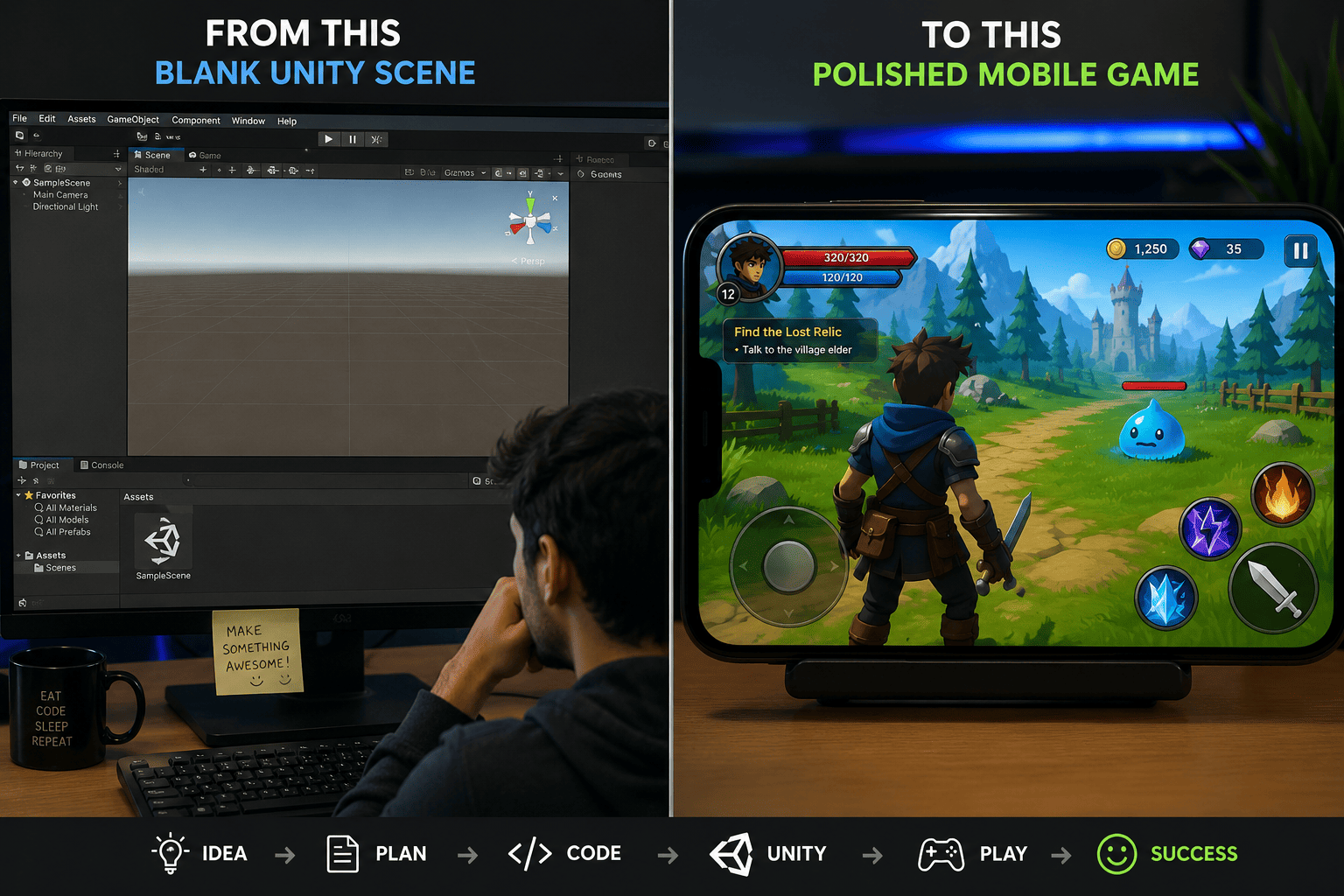
Let's be honest — learning Unity from scratch is hard. You watch tutorials, copy code, build a few cubes, and then stare blankly at the screen wondering why your game still looks nothing like what you imagined.
Here's the thing most beginner tutorials won't tell you: you learn game development faster by studying and building upon real, working projects — not by assembling games piece by piece from a hundred disconnected YouTube videos.
This guide walks you through a smarter, more efficient approach to Unity game development. Whether you're a total beginner or an indie developer trying to ship faster, working with complete Unity projects can cut your learning time dramatically while also giving you a genuine head start on building something real.
We'll cover how to use complete Unity source code as a learning tool, how to reverse-engineer game systems, how to customise existing templates into your own original game, and much more.
Most Unity learning paths follow the same pattern: watch a video, type some code, get confused, Google the error, repeat. The problem isn't the tutorials themselves — it's that they teach you skills in isolation, disconnected from how a real game actually fits together.
When you build a "complete" game from a beginner tutorial, you typically end up with around 200 lines of code, one scene, no UI polish, and no understanding of how monetisation, save systems, or level management work in production.
Real games are systems talking to each other — a player controller that hooks into an input manager, an inventory that syncs with save data, an ad system that triggers on scene transitions. You only understand this by reading code that actually does it.
There's a reason why developers who study open-source projects or complete game templates tend to level up faster. They see patterns they'd never encounter in a beginner tutorial: object pooling, scriptable objects as data containers, scene management architectures, and mobile optimisation techniques that only become obvious when you see them working in context.
If you want to accelerate your Unity learning, the shift is simple: stop only building from zero, and start reading, dissecting, and extending games that already work.
A complete Unity project isn't just a game — it's a textbook with all the answers already filled in. When you open up a fully working game, every script, every prefab, every animator state is a lesson waiting to be read.
Here's what a well-structured complete project teaches you that no video course can:
If you want hands-on experience with these systems right away, exploring Unity game templates built for real mobile publishing is a practical place to start. They're ready to run and immediately readable.
Most developers focus almost entirely on writing code and almost never on reading it. But professional developers spend a large portion of their time reading codebases — understanding what others built before adding to it.
When you open a complete Unity project and trace how the player's health system connects to the game over screen, you're exercising the same skill that senior developers use every day. It's one of the fastest ways to fill the gaps that tutorials leave behind.
The key is to approach a complete project like a student, not just a user. Don't just hit Play and admire the game. Open every script, trace every connection, and ask yourself: why did the developer build it this way?
Here's a practical workflow you can follow with any complete Unity project:
Pro Tip If you get stuck tracing connections, use Unity's script reference panel and right-click 'Find References in Scene' to see exactly what's calling a particular method. It's faster than reading every line. |
Not all Unity source code is created equal. Learning from a badly structured project can teach you bad habits that take months to unlearn. Here's what to look for when choosing a project to study:
If you're focused on mobile games specifically, it's also worth checking that the project includes proper Unity AdMob integration — because wiring ads into an existing game later is significantly harder than learning from a project that already has it implemented cleanly.
Some game types make better learning projects than others. Hyper-casual and arcade games are ideal starting points because they have tight, readable code and clear game loops:
You can browse a range of Unity game source codes across genres to find the right starting point for your current skill level and interests.
One of the most underrated ways to learn Unity game development faster is to take a working project and transform it into something original. This is how a lot of successful indie games get made — and it's also an incredibly effective learning method because you're solving real problems, not hypothetical ones.
A practical rule of thumb: if you change at least 30% of a project — new assets, new level design, modified game mechanics, different UI — you're building genuine development skills and creating something that's authentically yours.
Here's what a typical customisation journey looks like:
Each of these steps forces you to genuinely understand the project's structure before you can modify it. That's the real learning — not watching someone else do it, but problem-solving inside a real codebase.
For developers interested in publishing to Android, there's a useful Unity publishing guide that covers what to check before submitting your customised game to the Play Store.
Learning from complete Unity projects is powerful, but there are a few pitfalls that can slow you down or create confusion. Here are the most common ones:
Playing through a project tells you what it does, not how it works. You need to spend time in the code editor, not just the game view. Make it a rule: for every 10 minutes you play the project, spend 30 minutes reading scripts.
A complete project can have dozens of scripts. Trying to understand all of them at once is overwhelming and ineffective. Pick one feature — the player movement, the scoring system, the enemy AI — and trace it completely before moving to the next.
Reading without doing doesn't stick. As soon as you understand a system, break it intentionally. Change a value. Add a line. Remove a method and see what breaks. Active learning is far more effective than passive reading.
New developers often forget to look at Project Settings, Player Settings, and the Build Settings. These contain critical information about how the game is configured for mobile — resolution settings, orientation, graphics quality levels, and more. They're part of the project too.
Real Developer Insight Many indie developers who successfully published mobile games report that their first shipped title started as a customised Unity template. The template gave them working infrastructure — input, ads, save system — so they could focus creative energy on what made their game unique. |
Beyond the project itself, the resources you surround yourself with can significantly accelerate how quickly you level up in Unity development.
Every time you find an elegant solution inside a Unity project — a clean state machine, a clever use of ScriptableObjects, a nice camera follow script — copy it into a personal reference document. Over time, you build a library of patterns you can reuse.
Reddit's r/Unity3D, the Unity forums, itch.io, and dedicated Discord servers are full of developers sharing work-in-progress and complete projects. Looking at what others are building and asking questions in context is one of the fastest ways to fill knowledge gaps.
The goal isn't to publish someone else's game without effort. The goal is to use working Unity source code as a learning accelerator and as a foundation that lets you focus your energy on the creative and technical problems that actually interest you.
If you're focused on mobile game monetisation, studying how ad mediation and rewarded videos are implemented in a complete project is far more practical than reading the AdMob documentation in isolation. You can find ready-to-study examples of mobile game development projects with AdMob that show the integration in full context.
| Advantages | Disadvantages |
| See real systems working together | Can feel overwhelming at first |
| Learn patterns pros actually use | Temptation to copy without understanding |
| Faster path to shipping real games | Quality varies — choose projects carefully |
| Understand monetisation in context | May need Unity version adjustments |
| Build a portfolio from real projects | Not a substitute for fundamentals |
Q: Is it legal to learn from and customise purchased Unity source code?
Yes — when you buy Unity source code from a legitimate marketplace, you're purchasing a licence that typically allows you to modify and publish the game under your own name. Always check the specific licence terms of the source code you purchase, but most commercial Unity templates are sold with full customisation and publishing rights.
Q: How long does it take to learn Unity using complete projects?
It depends on your starting point, but most developers report noticeably faster progress when using complete projects compared to tutorials alone. A beginner who studies two or three complete projects over two to three months often reaches an intermediate level that would take six months or more through tutorials alone. The key is active engagement — reading, modifying, and rebuilding, not just running the project.
Q: What Unity version should I look for in a learning project?
Look for projects built in Unity LTS (Long Term Support) versions such as Unity 2022 LTS or Unity 6. These are the most stable and widely supported. Avoid very old projects built in Unity 5 or 2018 unless you're specifically studying legacy codebases — too much has changed and you'll spend more time resolving upgrade errors than learning.
Q: Can I use Unity game templates for commercial games?
Yes — most commercially available Unity game templates are sold specifically for use in published, monetised games. They come with AdMob integration, in-app purchase hooks, and Play Store / App Store-ready configurations precisely because they're designed to be the foundation for real commercial releases, not just practice projects.
Q: What's the best type of game project for a beginner to start with?
Start with hyper-casual or arcade game templates — they tend to have clean, focused code that's easier to follow than RPGs or strategy games with complex systems. Endless runners, stack games, and ball-control games are particularly good starting points. Once you're comfortable reading and modifying these, move on to more complex genres like idle games or racing games.
Learning Unity doesn't have to be a slow, frustrating process of stitching together disconnected tutorials for years before you build anything real. The developers who progress fastest are the ones who read working code, modify real systems, and build on solid foundations.
Complete Unity projects give you something tutorials rarely can: context. You see how a real game is built, how its systems connect, and how professional developers solve the exact problems you'll face when building your own game.
Start by finding one complete project in a genre you love. Run it, read it, break it, and rebuild it. Add something new. Change the art. Publish it. Then do it again with something slightly more complex.
That cycle — read, modify, build, ship — is the fastest path through Unity game development that exists. And you don't have to start from zero to do it.



