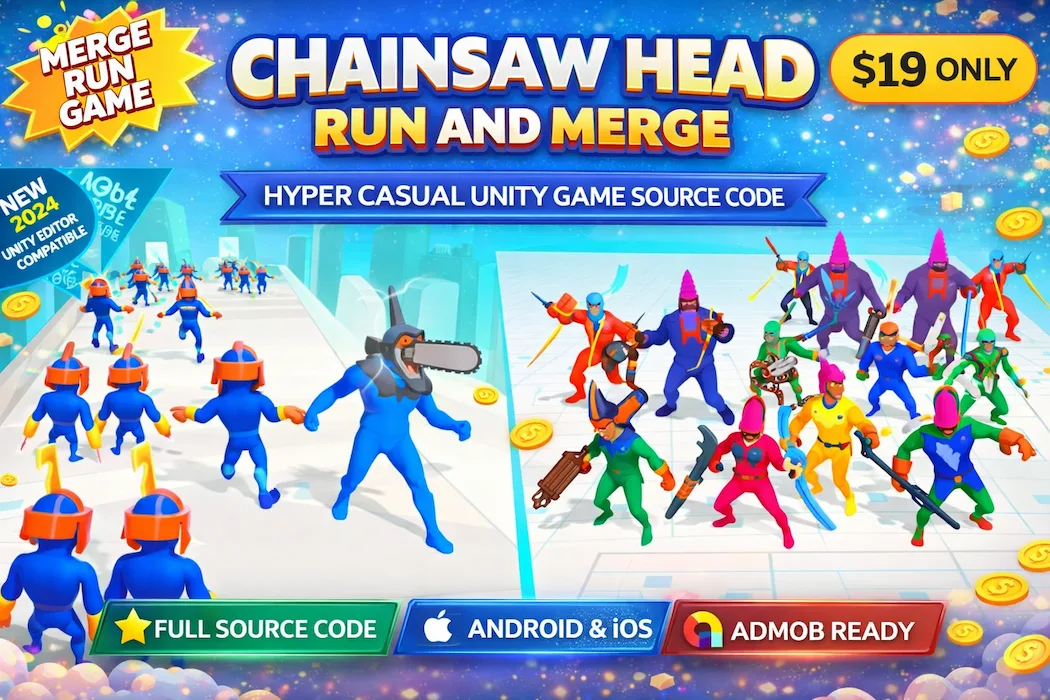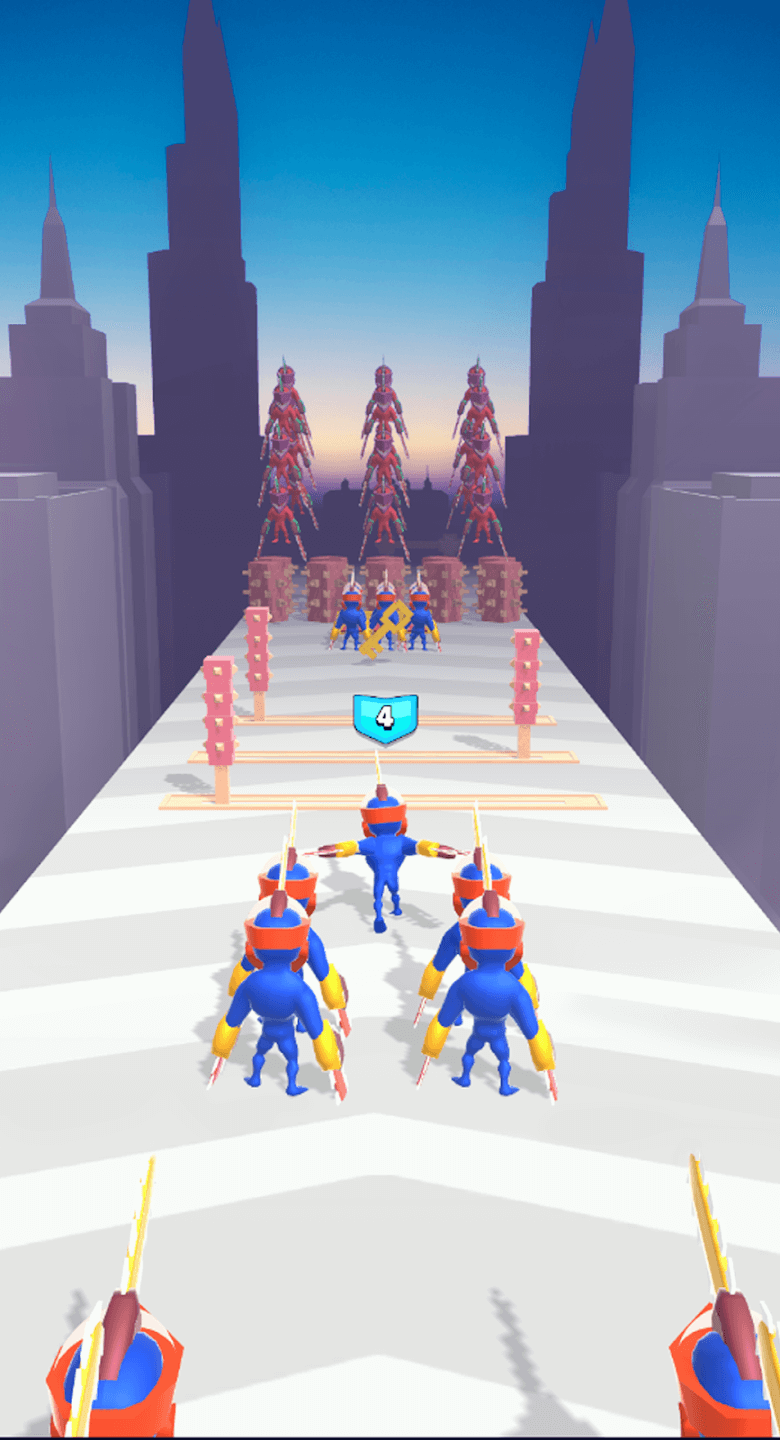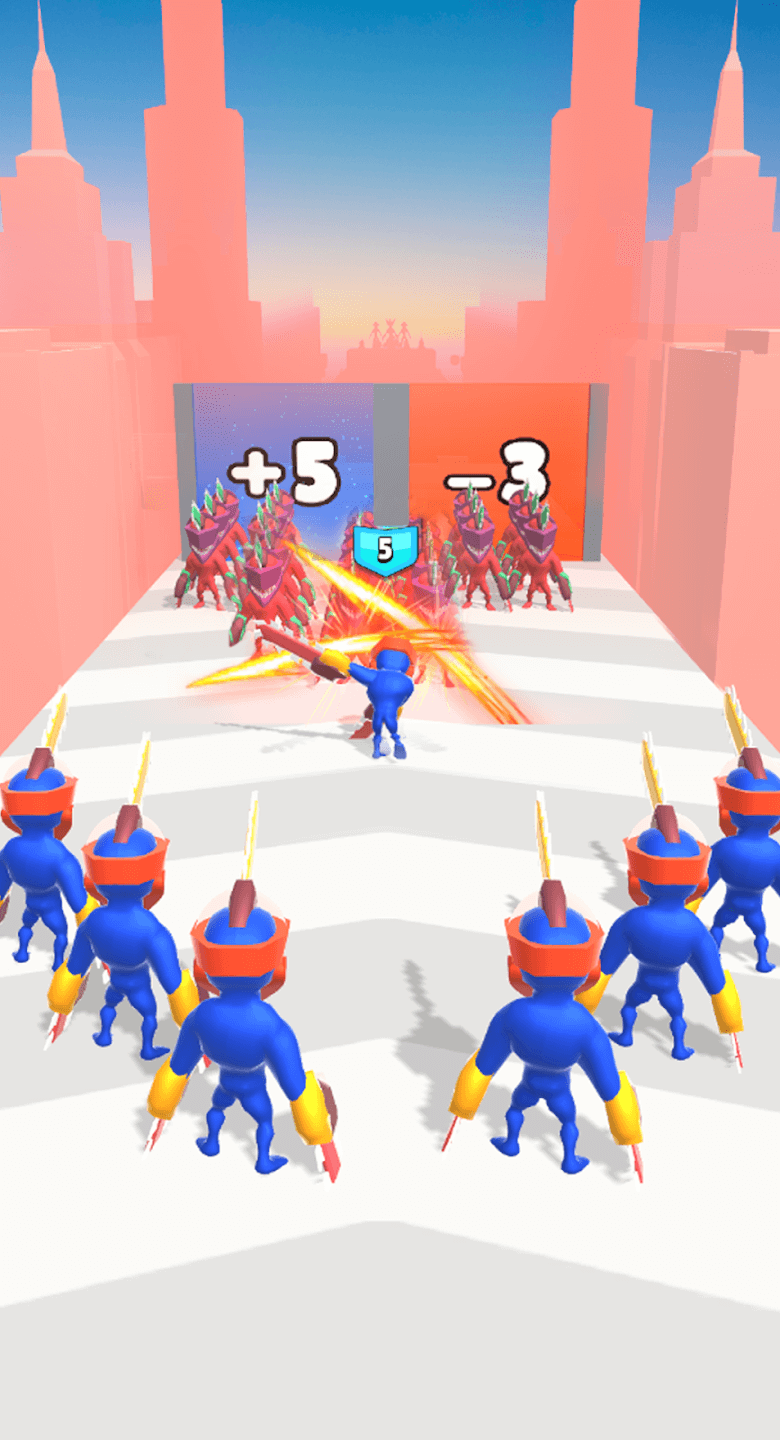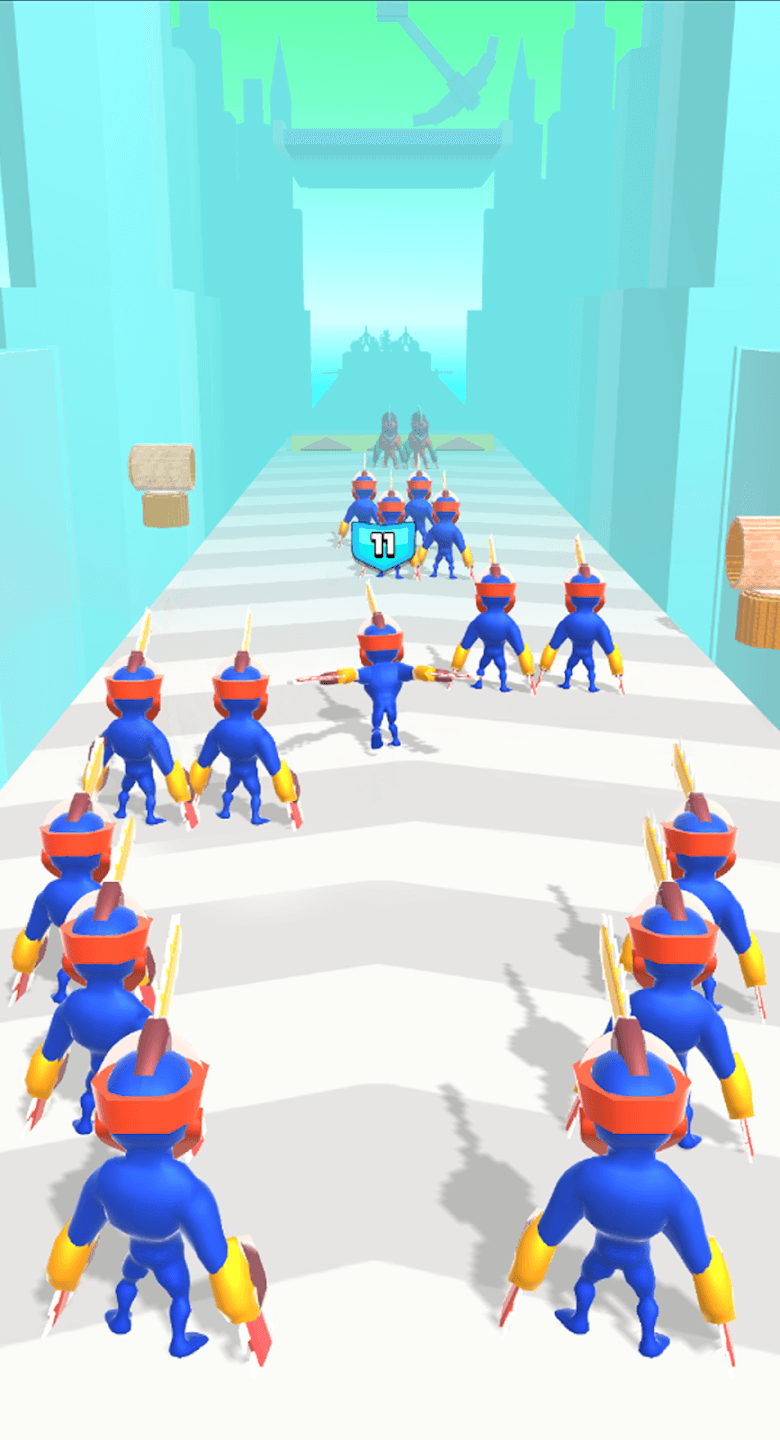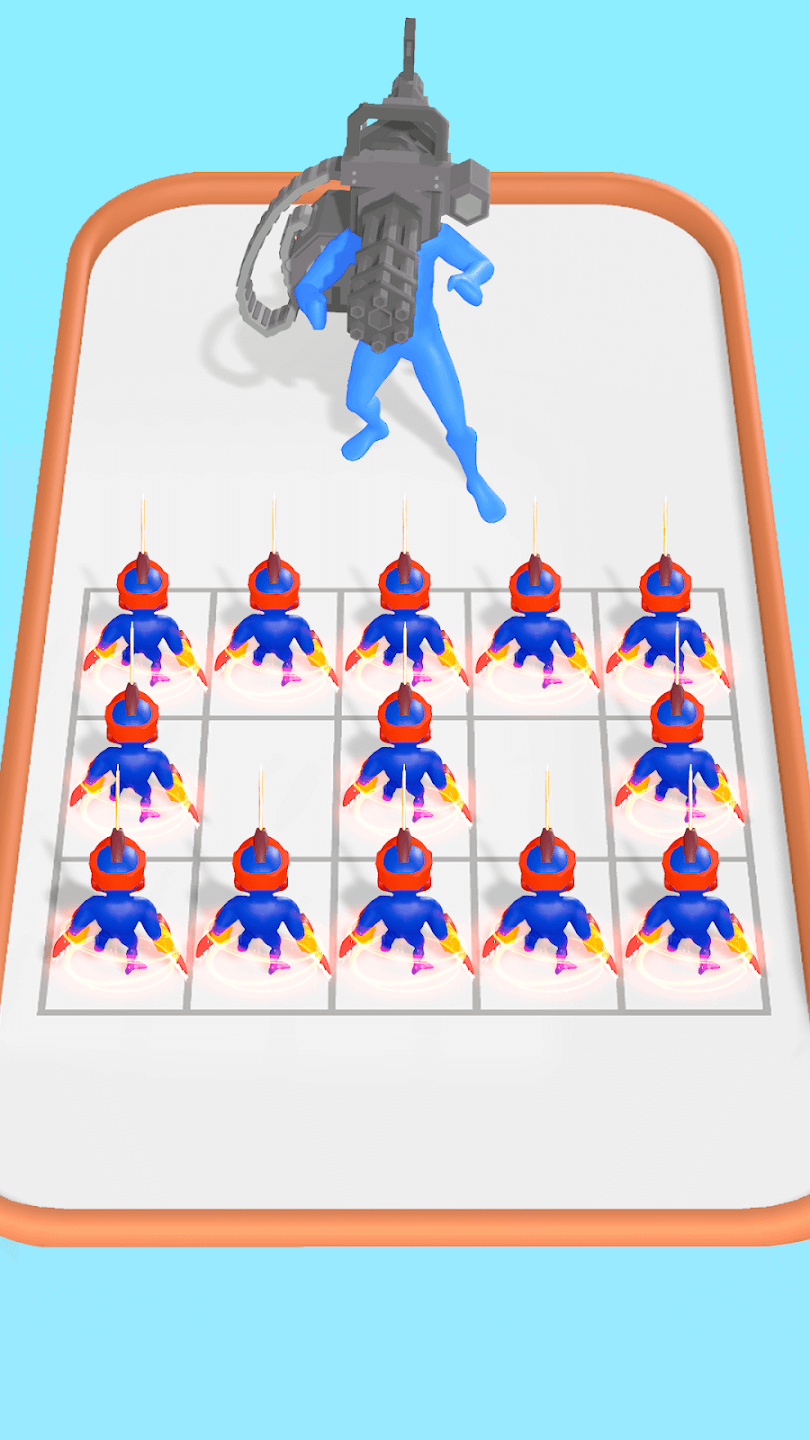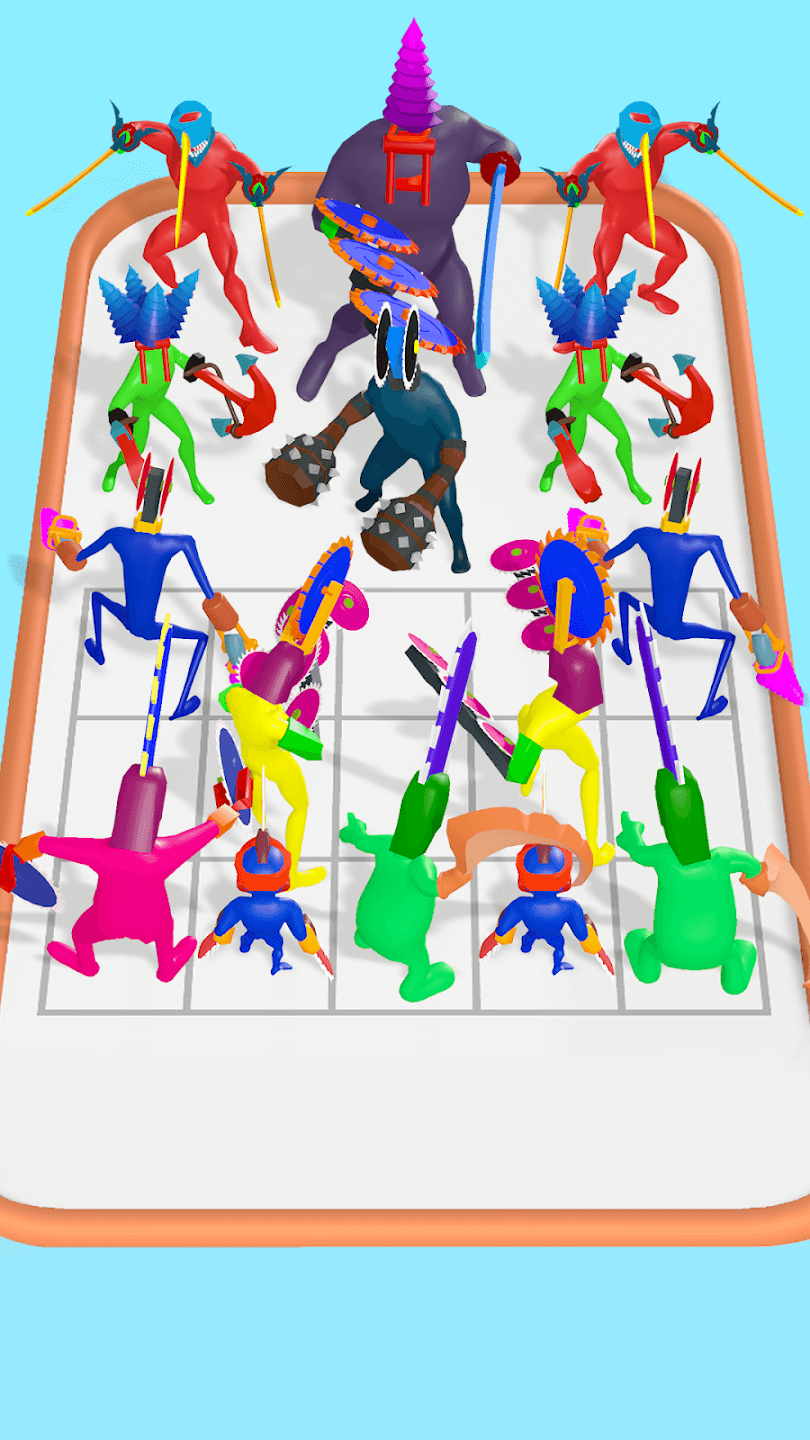

There's a reason "run and merge" games keep showing up near the top of the charts. Runners are easy to pick up, merge mechanics are easy to get hooked on, and when you combine the two, you get something that's simple enough for a five-second tutorial but sticky enough to keep players tapping "one more run." Chainsaw Head: Run and Merge is built entirely around that combination.
The short version: it's a fast, forward-moving runner where players collect and fuse units mid-sprint to grow stronger, smash through obstacles, and chase a longer, more powerful run each time.
Hyper-casual games usually succeed or fail based on how quickly the core loop clicks for a first-time player. Here, that loop is built from two familiar pieces stitched together:
Neither mechanic is new on its own. What makes this template worth building on is how tightly they're fused — merging isn't a side menu you visit between runs, it happens during the run, which keeps the pace high and the decision-making instant.
Take away the merge system and you've got a standard runner — fun for a few sessions, forgettable after that. Add it back in, and suddenly every run has a visible growth arc. Players start weak, make quick merging decisions on the move, and finish the run noticeably more powerful than they started. That visible progression is what separates games players finish once from games players replay ten times in a row.
It's a similar principle to what makes platformer-runner hybrids like the Knight Jumper game satisfying — give players a clear sense of momentum and skill progression within a single short session, and retention takes care of itself.
There's no learning curve here worth mentioning:
This is deliberate. Hyper-casual audiences don't read tutorials, and they won't forgive a control scheme that takes more than a few seconds to understand. Everything about the input design here assumes the player is picking the game up cold.
The project ships with a modular Unity C# structure, meaning the running logic, the merge logic, and the visual layer aren't tangled together. Practically, that means:
If you've ever inherited a hyper-casual template where one small art change broke half the gameplay, you'll appreciate why this separation matters more than it sounds like it should.
Hyper-casual games make money differently than premium titles — volume and ad frequency matter more than price point. This template is structured around that reality:
If you're trying to figure out whether buying a template like this actually makes financial sense compared to coding a hyper-casual game from the ground up, the breakdown in Unity Source Code vs. building a game from scratch lays out the real time and cost tradeoffs — and for hyper-casual specifically, speed to market usually wins.
Run-and-merge as a concept doesn't care what your characters look like. Chainsaws, robots, animals, food — the mechanic works underneath almost any skin, which is exactly why hyper-casual publishers treat mechanics like this as reusable frameworks rather than one-off games.
To see how far a reskin can stretch a concept, it helps to look sideways at other templates in the catalog. Liquid Sort took a simple sorting mechanic and built an entire satisfying-puzzle identity around it, while Little Cat Doctor shows how a soft, kid-friendly theme can completely change the emotional tone of a mechanically simple game. The lesson carries over directly: the mechanic is the engine, the skin is the marketing.
It's worth contrasting this against slower-paced genres in the same catalog. A title like Kingdom Defense 2: Empire Warrior thrives on deliberate, planned decision-making across longer sessions. Chainsaw Head: Run and Merge does the opposite on purpose — short sessions, instant decisions, immediate feedback. Neither approach is "better," they're just solving for different player moods, and knowing which lane your next release belongs in matters more than chasing whatever mechanic is trending.
If pure speed and arcade-style intensity is more your target, it's also worth looking at how momentum and obstacle design play out in something entirely vehicle-based, like the Mad Truck Challenge 4x4 racing template — different mechanic, same underlying obsession with keeping the player's thumb constantly engaged.
Once the core loop is working, there's plenty of room to extend it:
None of these require touching the foundational run-merge logic — they're additive layers on top of a loop that already works.
Beyond the commercial angle, this template is a genuinely useful reference for anyone still getting comfortable with Unity's C# architecture. Studying how a working merge system talks to a runner controller — without either one becoming a tangled mess — is a practical lesson that generic tutorials rarely cover well. If you're specifically trying to get better at Unity through real projects rather than isolated exercises, learning Unity game development faster through complete projects is worth reading alongside this template — the two ideas reinforce each other nicely.
This one makes the most sense if you are:
It's less suited to anyone chasing a slow-burn, narrative-driven experience — this template is built entirely around speed, immediacy, and short bursts of dopamine.
Chainsaw Head: Run and Merge takes two of the most reliable hyper-casual mechanics and fuses them into a single, tight gameplay loop. It's fast to reskin, straightforward to extend, and built with monetization baked in from the start rather than bolted on afterward. For developers chasing volume in the hyper-casual space, that combination of speed and flexibility is exactly what makes a template worth building on.
Do I need advanced Unity experience to work with this template? No. The project uses a modular, beginner-friendly code structure, so developers with basic Unity and C# knowledge can navigate and customize it without much friction.
Can I completely change the character theme without breaking the merge system? Yes. The merge and running logic are separated from the visual assets, so swapping characters or environments doesn't require rewriting core gameplay code.
Is this template better suited for Android, iOS, or both? It's built to support both platforms, though iOS builds will require macOS and Xcode as part of your development setup.
How is monetization handled in this template? It comes structured for AdMob integration, with natural spots for rewarded video ads between merges and interstitial ads between runs, plus optional in-app purchase hooks.
What Unity version was this built on? The current version was developed on Unity 2021.1.16f. It's recommended to test compatibility if you're working in a newer Unity release.
Is the run-and-merge mechanic hard to expand with new content? Not particularly. New character types, power-ups, and environments can be layered on top of the existing loop without disrupting the core runner or merge systems.
How does this compare to a standard endless runner? A standard runner relies purely on obstacle avoidance and speed. This template adds a merge-based progression layer, giving players a visible sense of growth within each individual run rather than just surviving longer.
Does the package include documentation and support? Yes, documentation is provided, and support is available depending on the license tier selected at checkout.
You need to login to comment!
Total Sold:
0
Total Comments: