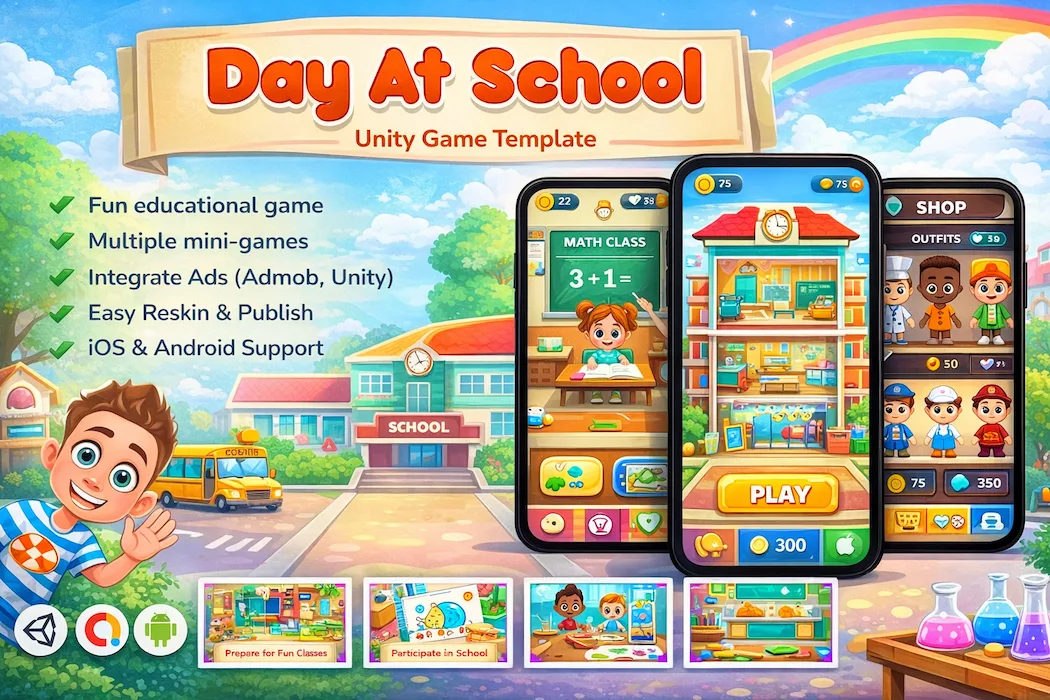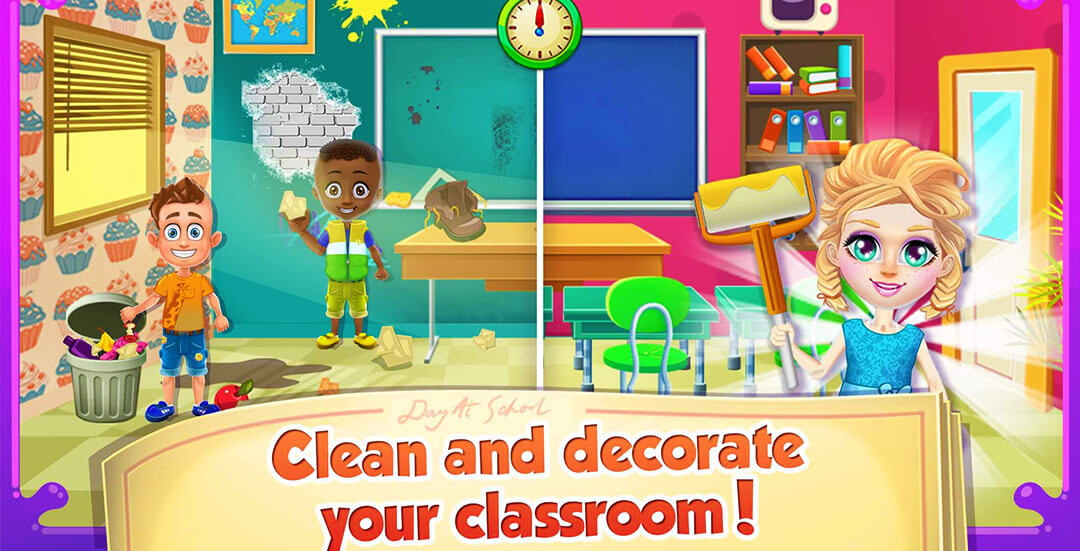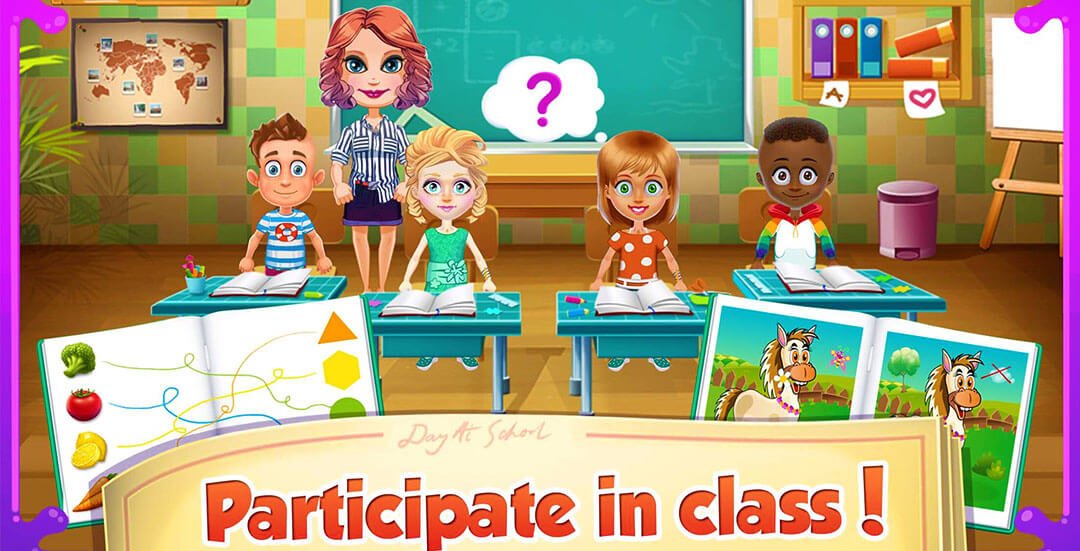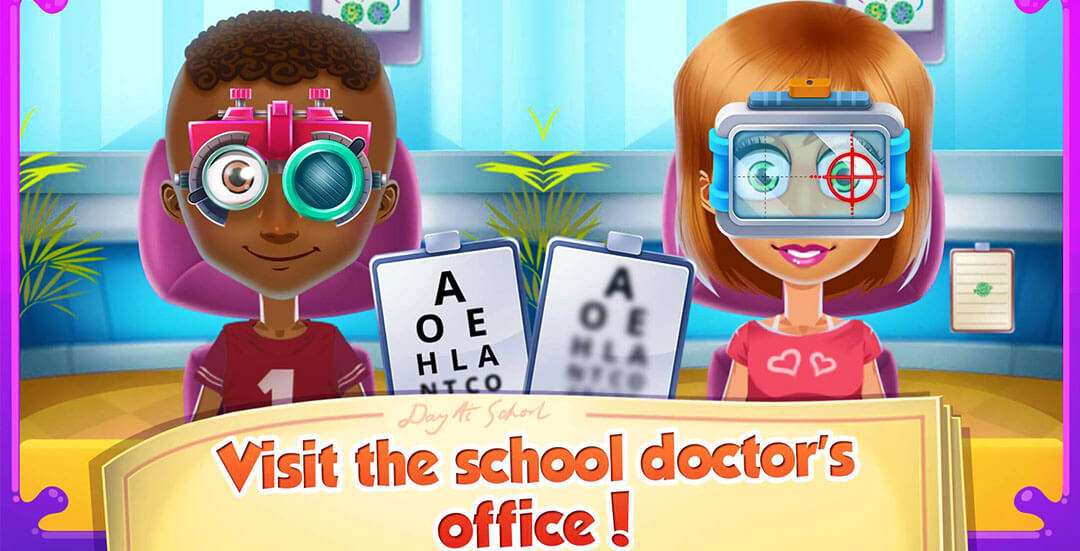

Building something for kids on mobile means walking a fine line: keep them entertained without turning the experience into mindless tapping. Day At School threads that needle. It's a Unity-built educational game that wraps classroom-style activities inside a bright, playful world — giving young players a reason to keep tapping while quietly picking up useful skills along the way.
For developers targeting the kids' app space, this template hands you a working foundation instead of a blank Unity project. The groundwork — mechanics, monetization, visual polish — is already done. What's left is making it yours.
The premise is simple to explain and easy for a child to grasp: step into a typical school day and work through a series of small classroom-inspired challenges. There's no punishing difficulty curve or confusing UI here — just short, digestible activities strung together into a session a five- or six-year-old can complete without adult help.
Kids' games succeed or fail based on one thing: does the child want to open it again tomorrow? Day At School leans on variety rather than escalating challenge to answer that question.
That mix keeps sessions feeling fresh without ever needing to ramp up pressure or frustration.
What separates this template from a generic tap-and-go kids' game is intent. Every activity is built to nudge a small cognitive skill forward while the child is focused purely on having fun.
Parents downloading educational apps are often specifically searching for this balance — genuine learning value hidden inside something that doesn't feel like homework.
Tap-based input, clear visual cues, and guided prompts mean a child can pick up a device and start playing without a parent walking them through settings or controls. Transitions between activities are smooth, so there's no jarring loading screen breaking the flow of a session.
If you're weighing whether an interaction-light format like this fits your next release versus something with deeper mechanical depth — say, a physics-based puzzle like the Slinky Sort puzzle Unity game — it often comes down to your target age group. Younger audiences respond better to exactly this kind of low-friction design.
Monetizing a children's app requires more care than a typical hyper-casual title — ad frequency and placement matter enormously for both user experience and app store compliance. This template handles that balance with:
That thoughtful pacing matters just as much for retention as it does for compliance with app store policies around kids' content.
Soft, saturated colors, rounded character designs, and cartoon-style art direction give the game an inviting, non-intimidating look. Animations stay smooth and simple rather than chaotic, which helps younger players track what's happening on screen without getting overwhelmed.
Because each activity is essentially self-contained, expanding the game later — new mini-games, new characters, new themes — doesn't require touching unrelated systems.
If reskinning speed matters for your release pipeline, it's worth comparing notes with something structurally different, like the Stick Hero tower strategy game, which handles progression through a completely different vertical-building mechanic. Seeing how another template's systems are separated can sharpen how you plan your own customization work.
Given how saturated the general hyper-casual market has become, educational and kid-safe niches remain comparatively easier to break into for developers willing to prioritize thoughtful design over raw reflex-based mechanics.
None of these decisions were accidental — they reflect what actually keeps a kids' app alive past its first week.
If you're still deciding which direction to take your next build — educational, puzzle, arcade, or something else entirely — it's worth reading through how to choose the right Unity game genre before committing development time to a reskin.
For developers who prefer learning through direct examples rather than theory, there's also a solid resource on learning Unity game development faster through complete projects, which pairs naturally with picking apart a working template like this one.
Day At School isn't chasing viral hyper-casual numbers — it's built for a steadier, more trust-based niche: parents who want their kids entertained without guilt. With AdMob monetization already tuned for a younger audience, a codebase structured for easy expansion, and an art style built to appeal directly to children, this template gives developers a genuinely usable head start into the kids' educational app space.
Browse more genres and mechanics worth pairing alongside an educational release — from drift-based arcade action in Sling Drift Unity game, to relaxed card-based fun in Solitaire Island Adventure Unity game, to something with a completely different tone in Sprunki Mustard game source code — or check the full lineup on the Popular Items page to see what's performing well right now.
Is Day At School appropriate for very young children?
Yes. The tap-based controls, simple instructions, and low-pressure pacing are specifically designed for preschool and early-childhood age groups.
Can this game be customized with different mini-games or themes?
Definitely. The codebase is modular by design, so adding new classroom activities, characters, or seasonal themes doesn't require reworking existing systems.
Is the ad monetization safe for a kids' app?
The AdMob integration is structured with placement and frequency in mind, following patterns generally accepted for children's content — though developers should still confirm compliance with current app store kids' policies before publishing.
What Unity version does this template require?
It's built on Unity 2019.4.22f1 and requires at least Unity's free license version 2019 or later. macOS and Xcode are needed if you're building for iOS.
Does purchasing this template include future updates and support?
Yes. The regular license includes future updates and 3 months of support, while the extended license extends that to 6 months alongside broader usage rights.
How difficult is it to reskin this game for a different age group or theme?
Because each mini-game is built as a self-contained module, adjusting difficulty, swapping art, or shifting the target age range is generally faster than reworking a monolithic codebase.
Is this template better suited to a standalone release or part of a larger app portfolio?
Either works, but many developers use educational templates like this as one entry in a broader portfolio, pairing it with different genres to diversify their published catalog and reduce reliance on a single title's performance.
You need to login to comment!
Total Sold:
0
Total Comments: