
Product Overview
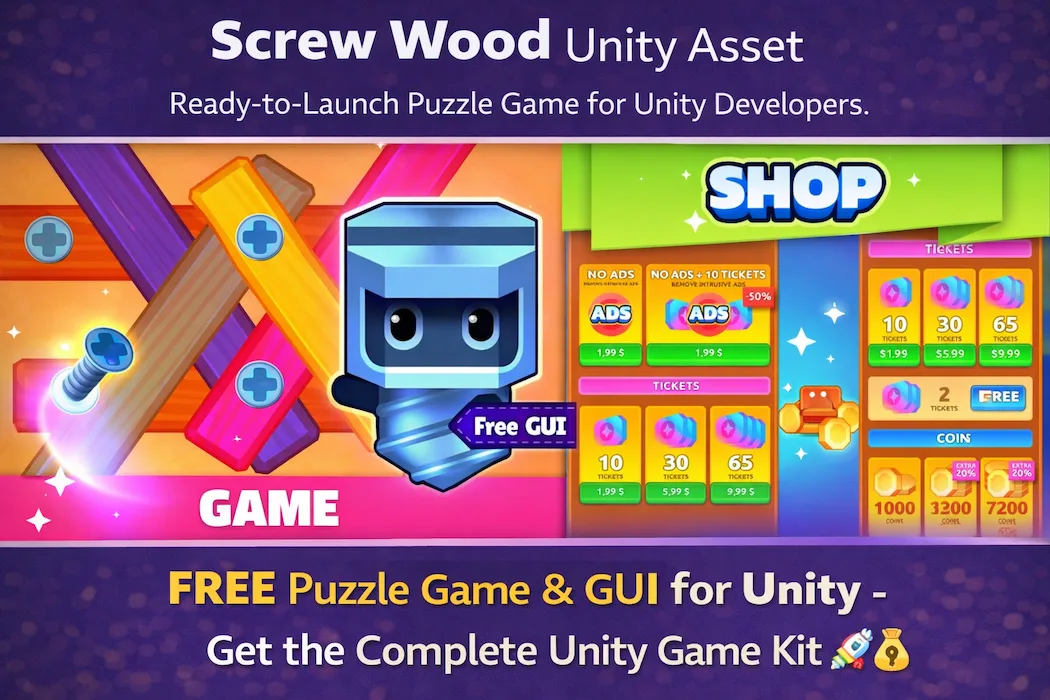
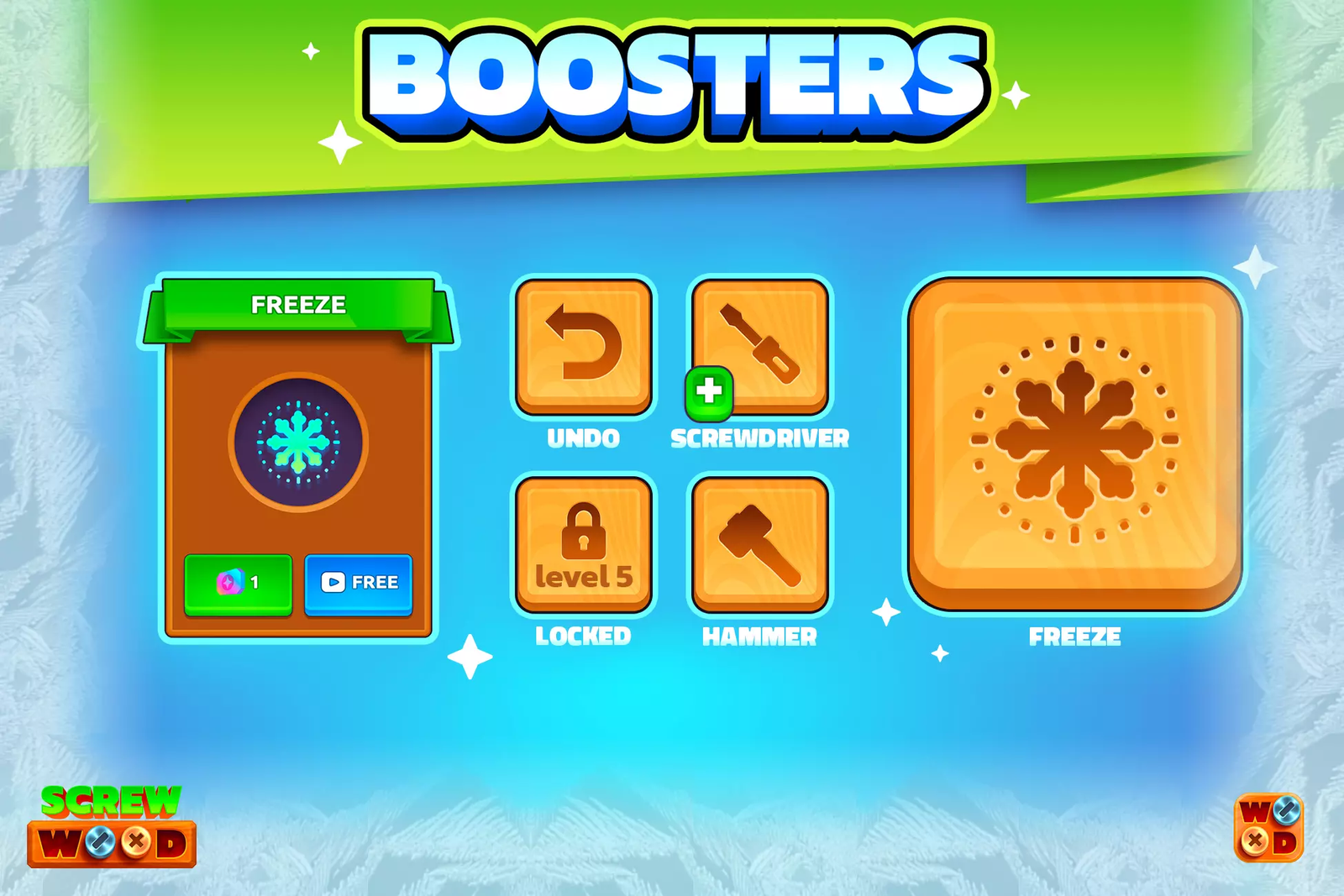
Screw Wood Unity Puzzle Game Source Code is a premium, production-ready Unity game template built around one of mobile gaming's most tactile and satisfying puzzle formats: wooden screw and panel physics puzzles. Players interact with screws embedded in layered wooden boards, removing them in the precise sequence needed to dismantle each structure without causing it to collapse.
The combination of a warm, handcrafted wooden aesthetic with demanding sequence-based logic creates a puzzle experience that feels both relaxing and mentally stimulating — a balance that drives exceptional session lengths and return-visit rates in the casual puzzle category.
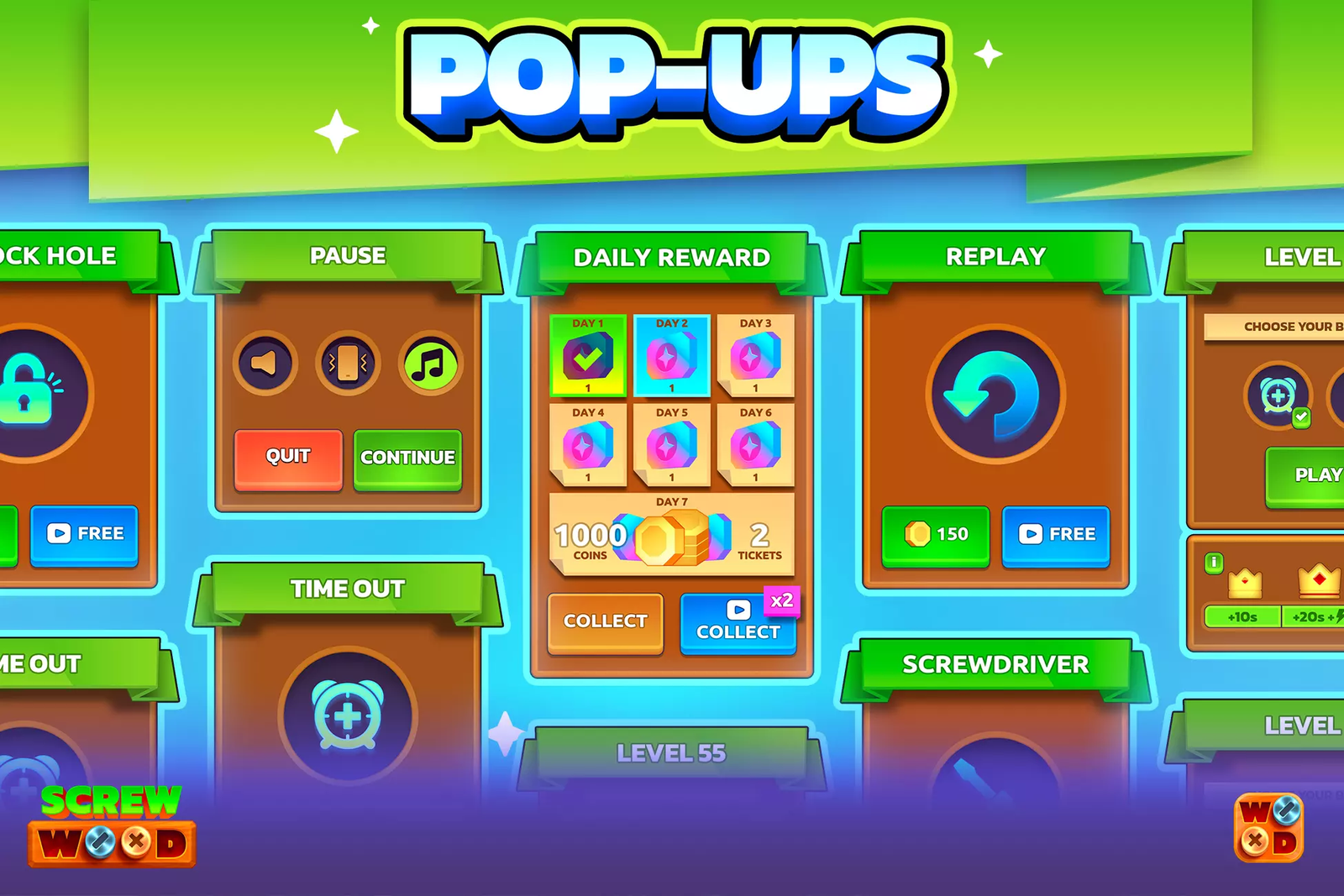
Unlike bare-bones game kits, this template ships with a fully designed GUI, an integrated in-game shop system, and monetization-ready hooks — everything a solo developer or small studio needs to skip the months-long build phase and go straight from purchase to Play Store submission. The clean, modular C# codebase built on Unity 6000 makes customization, reskinning, and feature extension fast and straightforward.
Core Features
🔩
Wooden Screw Physics Engine
Precise screw-removal logic with structural dependency detection — each move affects the entire board state.
🏪
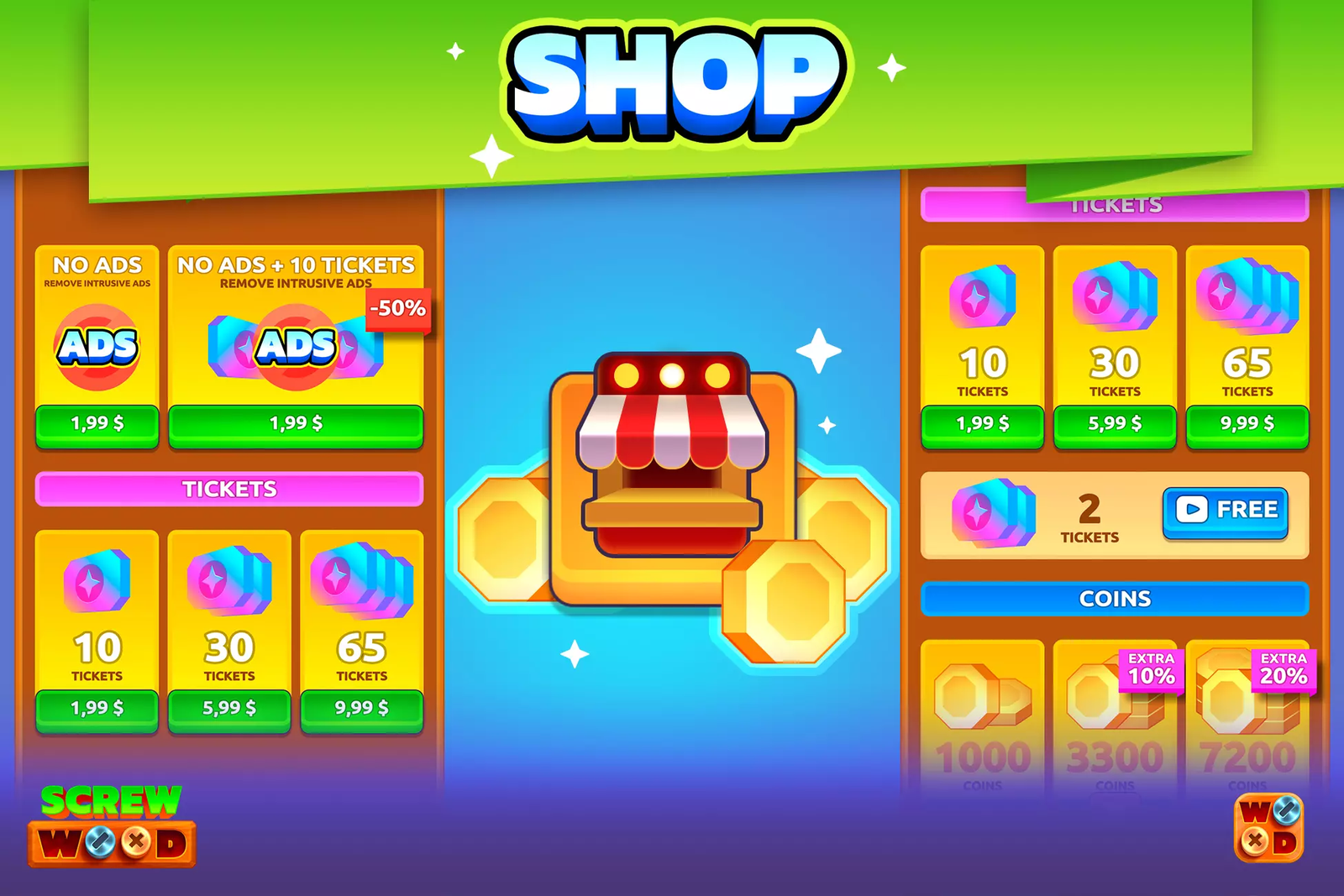
Full In-Game Shop System
Pre-built shop UI for upgrades, hints, and cosmetics — ready to wire up to IAP or coin-based rewards.
🖥️
Complete GUI Package
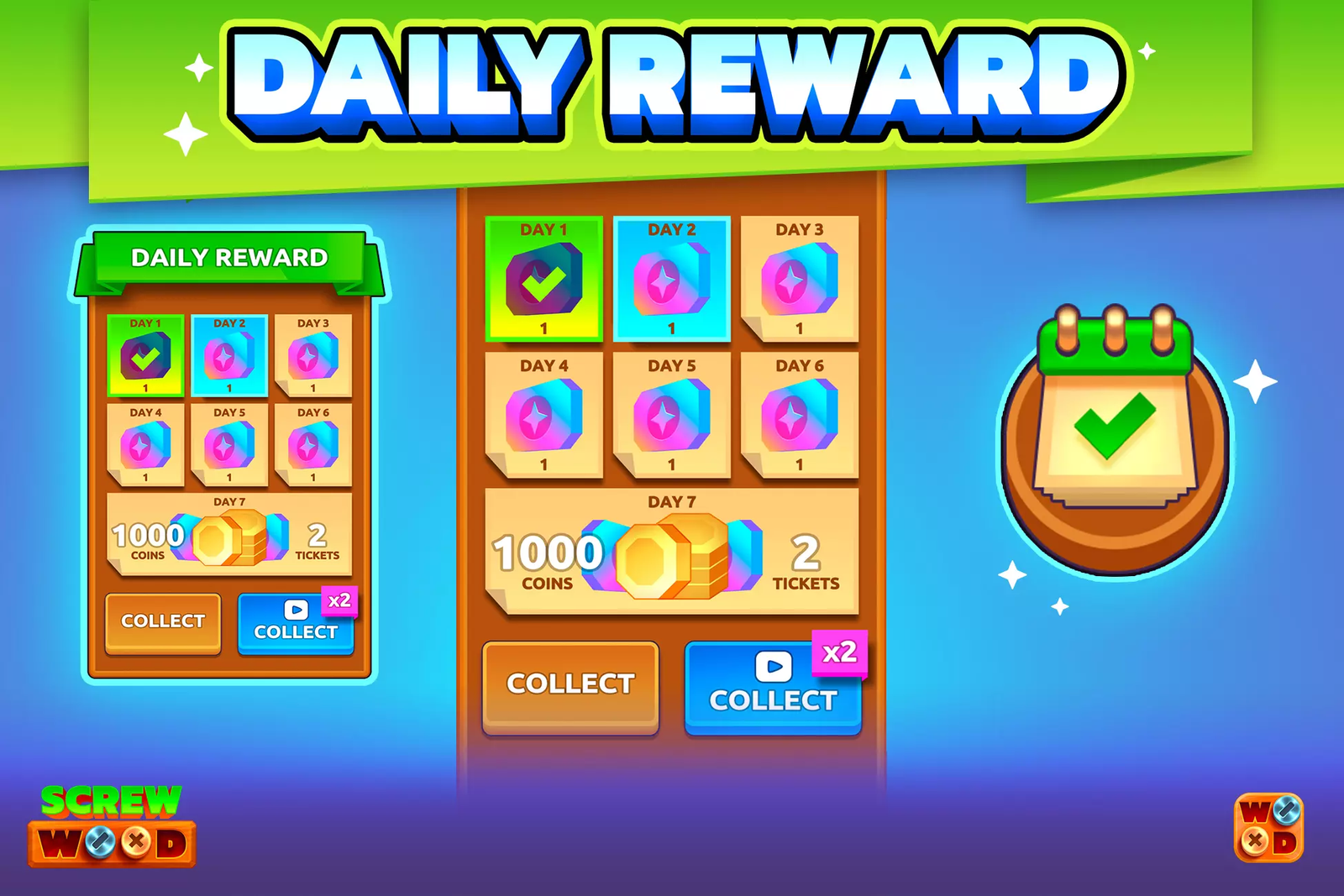
Main menu, level select, settings, pause screen, win/lose flows — all designed and implemented in Unity UI.
💰
Monetization Ready
Ad placement hooks for rewarded, interstitial, and banner formats — connect your AdMob account and earn from day one.
📱
Mobile-Optimised Controls
One-tap screw selection and drag mechanics tuned for touchscreens, tested on low-end to flagship Android hardware.
🎨
Warm Wooden Art Style
High-resolution wood textures, natural lighting, and tactile screw animations that make every level feel satisfying.
🧩
Level Progression System
Scalable difficulty framework — add new levels fast with the data-driven level config structure.
🧼
Clean Unity 6 Architecture
Modular C# scripts, manager pattern, and clear scene hierarchy — easy to understand, extend, and reskin.
📚
Full Documentation
Step-by-step setup guide, AdMob integration tutorial, reskin instructions, and build configuration notes.
How to Play
Screw Wood looks approachable in the first few levels and genuinely challenging by level ten. The core mechanic fits in one sentence — remove screws in the right order — but the execution demands real spatial reasoning and forward planning. Here's the complete gameplay breakdown:
1. Read the Wooden Structure
Each level presents a layered wooden board assembly held together by colored or numbered screws. Before touching anything, study the structure — which panels are load-bearing, which screws are accessible from the top layer, and which components will shift or fall once a screw is removed. This reading phase is where experienced players pull ahead of impatient ones.
2. Tap a Screw to Select It
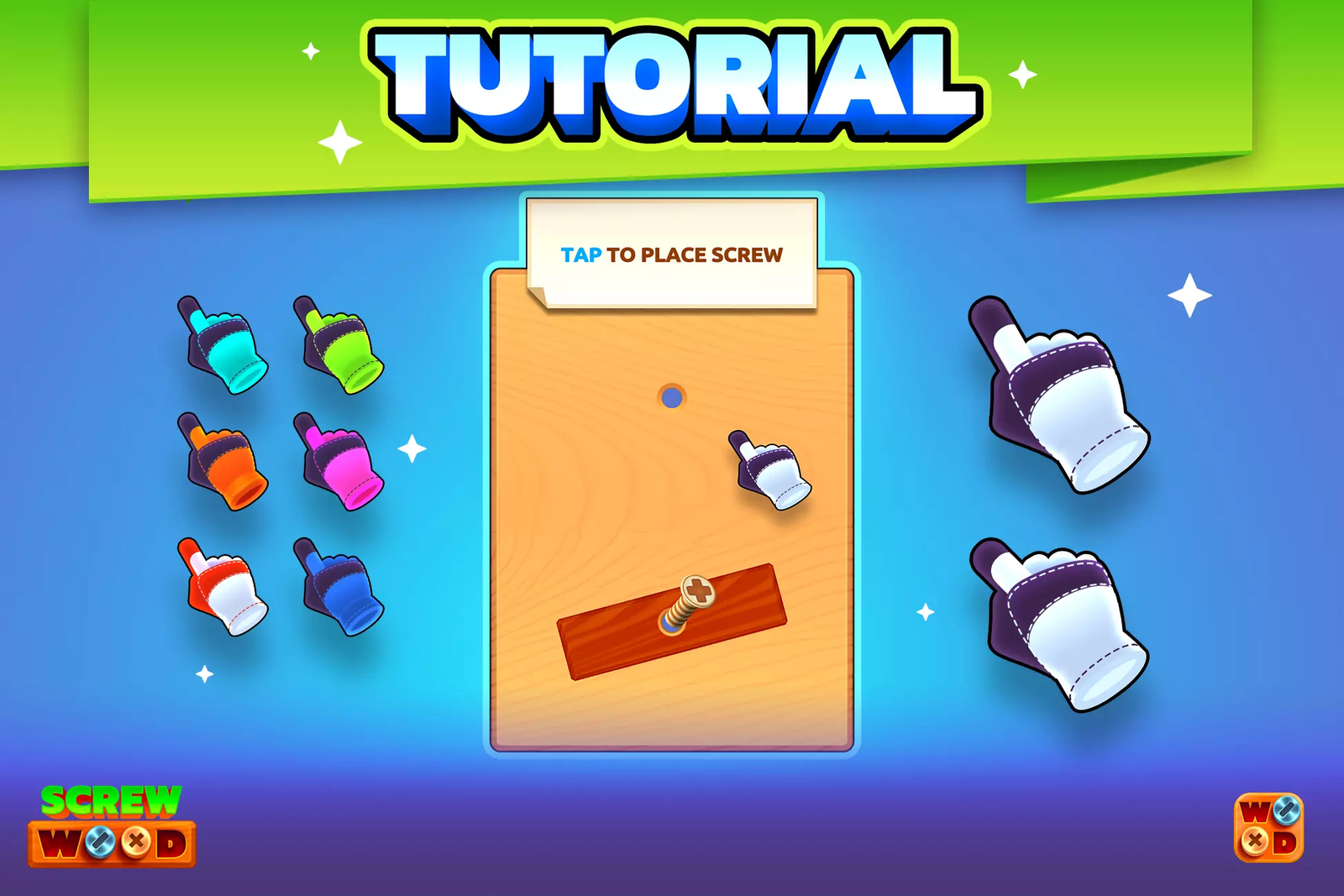
Tap any accessible screw — highlighted in the current frame — to begin unscrewing it. An animation shows the screw rotating out of the panel. If the screw is blocked by an overlapping component, it won't be selectable until the obstruction is cleared first. This creates a natural dependency chain that is the heart of the puzzle logic.
3. Work in Sequences, Not Single Moves
The most common beginner mistake is removing the most obvious screw first. The right move is identifying the sequence that clears blocking elements before reaching the key structural screws. Think of it like a combination lock — the order is everything. The game has no timer in standard mode, so take the time to think. Tap a screw, watch the board update, and reconsider your next two moves before committing.
4. Avoid Structural Collapse
Certain screw configurations are structural — remove them out of order and panels collapse in a failure state that ends the level. The game signals dangerous screws visually through a subtle pulsing effect. Advanced levels introduce multiple inter-dependent sections where clearing one area destabilizes another, requiring you to plan across the entire board simultaneously.
5. Use Hints and the Shop System
When players get genuinely stuck, a hint system reveals the next recommended move. Hints consume in-game coins, which are earned through play or can be purchased through the built-in shop. This loop — earn coins, spend on hints, spend on cosmetic upgrades — is a core monetization driver. Rewarded video ads also grant bonus coins, creating a natural ad-watching incentive without forced interruption.
6. Clear the Board to Win
All screws removed without triggering a collapse = level complete. A satisfying disassembly animation plays, your stars are tallied (based on hints used), and the next level unlocks. Levels grow progressively more complex by adding more panels, deeper screw layers, and structural dependencies that require thinking 4–5 moves ahead. The shop lets you carry upgraded tools between levels in the extended version of the game.
Developer Experience
M
Mihail C. — Indie Unity Developer & Publisher
6 years in mobile game development · 14 Android games published
I had been eyeing the wooden screw puzzle genre for almost a year before I actually pulled the trigger on this template. The mechanic was everywhere on the Play Store and the numbers looked great — strong D1 retention, decent eCPMs from rewarded ad placements, and a demographic that skews older and more patient than hyper-casual. The problem was that building a sequence-dependency engine from scratch is genuinely hard. I built a prototype in two weeks and it was buggy, the panel physics felt wrong, and I hadn't even touched the UI yet.
Then I bought the Screw Wood template. Opening the Unity project was a relief — the scene hierarchy is clean, every manager class has a clear single responsibility, and the screw removal logic handles dependency detection with a simple graph traversal approach I would not have thought to use. Within an hour I understood how the whole system worked. Within a day I'd made my first level with a custom panel layout.
The shop system was the real time-saver. I had been dreading building a coin economy and shop UI from scratch. The template's shop was already connected to the hint system and had IAP placeholder hooks ready to go. I spent about four hours connecting my own product IDs and adjusting the coin pricing. That would have taken me three weeks building from zero, minimum.
I published my reskinned version with a construction theme — metal bolts instead of wood screws, industrial panel art — twenty-two days after buying the template. First month: 5,400 organic downloads, 41% D1 retention, and AdMob revenue that covered the template cost within the first week. The shop system's coin packs converted at about 1.2% of DAUs, which is solid for a casual puzzle game without a marketing budget.
"If I had spent the same twenty-two days building from scratch, I would have had a broken prototype. Instead I had a live, monetising game. That difference is not small — it's the difference between shipping and not shipping."
Technical Specifications
| Specification | Details |
|---|---|
| Game Engine | Unity 6000 or higher (C# source code) |
| Target Platforms | Android 9.0 · 10.0 · 11.0 · 12.0 (iOS adaptable) |
| Monetization | AdMob Banner · Interstitial · Rewarded Video · IAP hooks |
| In-Game Shop | Coin economy, hint purchases, cosmetic upgrades — fully built |
| GUI | Main menu, level select, pause, settings, win/lose screens |
| Art Style | 2D, High-resolution wood texture assets |
| Level System | Data-driven, easily expandable level configuration |
| Package Files | Full Unity project · APK · PNG assets · Documentation |
| Demo | Live preview + YouTube video demo available |
| Regular License | $45 — 3 months support, single project |
| Extended License | $199 — 6 months support, multi-project use |
| Last Updated | 03 June 2026 |
The core gameplay focuses on identifying the correct sequence to unscrew elements without blocking the structure. Every move matters, and players must think ahead to avoid mistakes.
As levels progress, puzzles become more intricate with layered components and dependencies, increasing the challenge and keeping players engaged.
Related Products
All five templates below share the same design philosophy as Screw Wood — clean mechanics, AdMob-ready monetization, and reskin-friendly architecture built for fast mobile publishing.
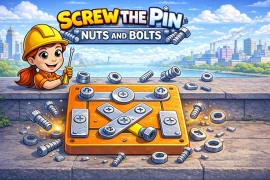
Screw The Pin – Nuts & Bolts Brain Teaser Unity Source Code
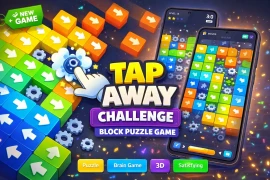
Tap Away Puzzle – Block Sorting Brain Challenge Unity Source Code
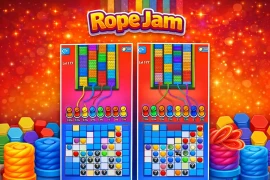
Rope Jam – Addictive Rope Puzzle Game Unity Complete Source Code
Queen Rescue Dragon Puzzle Unity Game Template with AdMob
Hexa Color Sort Puzzle Game Unity Source Code – AdMob Ready
From the Blog
Whether you're deciding how to approach your next project, choosing a game genre, or learning what makes a Unity template worth buying — these guides give you real answers from developers who've been through it.
🗓 June 17, 2026 · Unity StrategyUnity Source Code vs Building a Game From Scratch: Which Is Better?
🗓 June 20, 2026 · Revenue StrategyHow to Pick the Right Unity Game Genre and Earn Real Money in 2026
🗓 April 22, 2026 · Beginner GuideBest Unity Projects for New Developers (Free + Paid)
Screw Wood Unity Puzzle Template with GUI & Shop System is a complete package for building a logic-based puzzle game. With its engaging gameplay, built-in systems, and monetization-ready structure, it provides everything needed to launch and scale a successful mobile game.
If you are looking for a Unity puzzle game source code that is easy to customize and ready to publish, this template offers a reliable and feature-rich solution.
Platform:
Unity 6000 or higher
Contact us on Skype for technical help
Skype ID: Unity Source Code
Don’t forget to review us!
You need to login to comment!
Total Sold:
0
Total Comments: