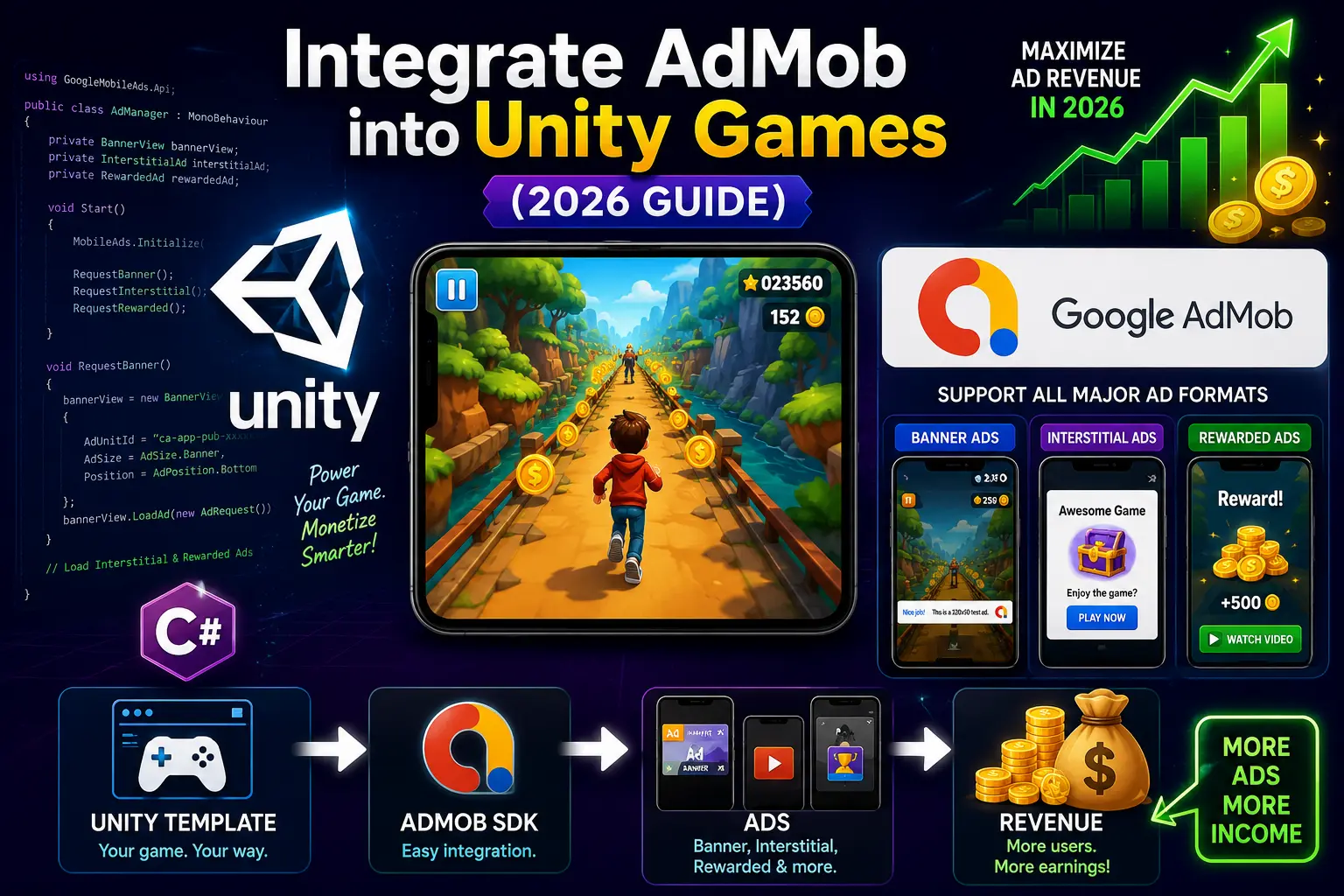
If you already know your way around Unity and have shipped at least one mobile game, you know the real challenge is not building — it is earning. AdMob remains the dominant monetization layer for mobile games in 2026, but most developers leave serious money on the table by treating integration as a checkbox rather than a strategy.
This guide skips the "what is AdMob" basics. Instead, it covers the complete integration process from SDK setup to revenue optimization, with a specific focus on using ready-made Unity game templates — the fastest path to a live, monetized game in 2026.
Before touching a single line of AdMob code, the biggest decision you make is your foundation. Developers who start with a ready-made Unity game template have a significant monetization advantage over those who build from scratch — not because the templates do the work for them, but because the core game loop, scene architecture, and ad placement hooks are already structured correctly.
Ad revenue depends on session length, retention, and the natural flow of gameplay. A well-built template is designed around these patterns. When you start from scratch, you spend weeks getting the game to feel right before you can even think about where rewarded ads should fire or how interstitials fit into the level transition flow.
If you are still weighing both options, the detailed breakdown in Unity Source Code vs Building a Game From Scratch: Which Is Better? is worth reading before you commit to either path.
Before adding any SDK to your Unity project, you need two things from your AdMob account:
Go to admob.google.com, create a new app, and generate ad units for every format you plan to use. Do not use test IDs in production — this is the most common mistake that results in zero revenue despite real impressions.
Tip: Create separate Ad Unit IDs for Android and iOS even if you are launching Android first. Setting this up correctly now saves a painful refactor later.
Google's official plugin is the only supported way to run AdMob inside a Unity project.
Installation steps:
After import, your AndroidManifest.xml will be auto-updated with the required <meta-data> block. Verify it manually:
<meta-data
android:name="com.google.android.gms.ads.APPLICATION_ID"
android:value="ca-app-pub-XXXXXXXXXXXXXXXX~XXXXXXXXXX"/>
If this entry is missing or uses a placeholder value, your app will crash on launch on Android.
A common revenue leak is requesting ads before the SDK is fully initialized. Always wait for the initialization callback:
using GoogleMobileAds.Api;
using System.Collections.Generic;
using UnityEngine;
public class AdsManager : MonoBehaviour
{
void Start()
{
MobileAds.Initialize(initStatus =>
{
Dictionary<string, AdapterStatus> map = initStatus.getAdapterStatusMap();
foreach (KeyValuePair<string, AdapterStatus> keyValuePair in map)
{
string className = keyValuePair.Key;
AdapterStatus status = keyValuePair.Value;
switch (status.InitializationState)
{
case AdapterState.NotReady:
Debug.Log("Adapter: " + className + " not ready.");
break;
case AdapterState.Ready:
Debug.Log("Adapter: " + className + " is initialized.");
break;
}
}
// Only load ads AFTER this callback fires
LoadInterstitialAd();
LoadRewardedAd();
});
}
}
Make this AdsManager a singleton with DontDestroyOnLoad so it persists across scene transitions — critical for templates that use multiple scenes per level.
Banners have the lowest eCPM but the highest fill rate. They work best on menus, shop screens, and results pages — not during active gameplay where they hurt retention.
private BannerView bannerView;
public void LoadBannerAd()
{
string adUnitId = "ca-app-pub-XXXXXXXXXXXXXXXX/XXXXXXXXXX"; // Your real ID
if (bannerView != null)
{
bannerView.Destroy();
}
AdSize adSize = AdSize.GetCurrentOrientationAnchoredAdaptiveBannerAdSizeWithWidth(AdSize.FullWidth);
bannerView = new BannerView(adUnitId, adSize, AdPosition.Bottom);
var adRequest = new AdRequest();
bannerView.LoadAd(adRequest);
}
Use Anchored Adaptive Banners instead of fixed-size banners in 2026. They fill more screen width dynamically and earn significantly higher CPMs than standard 320x50 banners.
Interstitials are the highest-volume format for most casual games. The key is placement — they must feel natural, not intrusive.
Best placement triggers in game templates:
private InterstitialAd interstitialAd;
public void LoadInterstitialAd()
{
string adUnitId = "ca-app-pub-XXXXXXXXXXXXXXXX/XXXXXXXXXX";
InterstitialAd.Load(adUnitId, new AdRequest(), (ad, loadError) =>
{
if (loadError != null || ad == null)
{
Debug.LogError("Interstitial failed to load: " + loadError);
return;
}
interstitialAd = ad;
RegisterInterstitialEvents(interstitialAd);
});
}
public void ShowInterstitialAd()
{
if (interstitialAd != null && interstitialAd.CanShowAd())
{
interstitialAd.Show();
}
else
{
LoadInterstitialAd(); // Pre-load the next one
}
}
private void RegisterInterstitialEvents(InterstitialAd ad)
{
ad.OnAdFullScreenContentClosed += () =>
{
Debug.Log("Interstitial closed.");
LoadInterstitialAd(); // Always pre-load after dismiss
};
}
Always pre-load the next interstitial immediately after the current one is dismissed. If you wait until the next trigger to load, you will frequently show nothing because the ad has not loaded in time.
Rewarded ads are the highest-eCPM format available and the best fit for games with lives, coins, or continue mechanics. They are also opt-in, which means players choose to watch — retention impact is close to zero when placed correctly.
private RewardedAd rewardedAd;
public void LoadRewardedAd()
{
string adUnitId = "ca-app-pub-XXXXXXXXXXXXXXXX/XXXXXXXXXX";
RewardedAd.Load(adUnitId, new AdRequest(), (ad, loadError) =>
{
if (loadError != null || ad == null)
{
Debug.LogError("Rewarded ad failed to load: " + loadError);
return;
}
rewardedAd = ad;
});
}
public void ShowRewardedAd(System.Action onRewarded)
{
if (rewardedAd != null && rewardedAd.CanShowAd())
{
rewardedAd.Show(reward =>
{
Debug.Log("Rewarded: " + reward.Amount + " " + reward.Type);
onRewarded?.Invoke();
});
rewardedAd.OnAdFullScreenContentClosed += () =>
{
LoadRewardedAd(); // Pre-load next
};
}
}
Call ShowRewardedAd() with a callback lambda that delivers the actual in-game reward. Never grant the reward before the callback fires.
If you are working with one of the AdMob-ready game templates from Unity Source Code, the project already has scene transitions, level managers, and game-over flows wired up. Here is how to slot the AdsManager into an existing template architecture cleanly:
Do not scatter ad calls across multiple scripts. Create a single AdsManager and call it from your GameManager or LevelManager via events:
// In LevelManager.cs
void OnLevelComplete()
{
levelCount++;
if (levelCount % 3 == 0)
{
AdsManager.Instance.ShowInterstitialAd();
}
LoadNextLevel();
}
void OnGameOver()
{
AdsManager.Instance.ShowInterstitialAd();
ShowGameOverUI();
}
This pattern keeps ad logic centralized and easy to adjust when you tune frequency capping later.
Not all game genres earn equally from ads. Here are six AdMob-optimized templates that match well with different monetization strategies:
High session length → more interstitials:
High level count → perfect interstitial cadence:
Strong rewarded ad placement:
All six are part of the broader Unity Games collection, which covers over 500 templates across genres.
Integration is only the beginning. Here is what actually moves the revenue needle once your game is live:
AdMob mediation lets you run multiple ad networks through a single SDK and always show the highest-paying ad available. Set up mediation waterfall or use Open Bidding (AdMob's real-time auction) with networks like Meta Audience Network, AppLovin, and Unity Ads.
Even adding one additional network through mediation can lift eCPM by 20–40%.
The default "show every level" approach crushes Day-1 and Day-7 retention. The optimal frequency varies by genre, but a reliable starting point:
Monitor your Day-1 retention in Google Play Console. If it drops below your genre benchmark after AdMob goes live, your frequency is too high.
AdMob's Ad Inspector tool (available in AdMob SDK 9.0+) lets you test ad rendering on a real device without using test mode globally. Activate it with:
MobileAds.OpenAdInspector(error =>
{
if (error != null) Debug.LogError("Ad Inspector error: " + error);
});
This is the fastest way to confirm ad units are loading correctly before launch, without flooding your test device with real impressions.
AdMob's geographic targeting is passive — you can not force US-tier eCPMs. But you can influence it. App Store Optimization (ASO) in English first, with store listings that rank for English-language keywords, naturally attracts higher-value traffic from Tier 1 markets (US, UK, AU, CA) even if your game is published worldwide.
App Open Ads are shown when the player returns to the app after it has been backgrounded. They earn high eCPM because the player is engaged and the ad appears at a natural re-entry moment.
private AppOpenAd appOpenAd;
private DateTime loadTime;
public void LoadAppOpenAd()
{
string adUnitId = "ca-app-pub-XXXXXXXXXXXXXXXX/XXXXXXXXXX";
AppOpenAd.Load(adUnitId, ScreenOrientation.Portrait, new AdRequest(),
(ad, error) =>
{
if (error != null) { Debug.LogError(error); return; }
appOpenAd = ad;
loadTime = DateTime.UtcNow;
});
}
public bool IsAdAvailable()
{
return appOpenAd != null && (DateTime.UtcNow - loadTime).TotalHours < 4;
}
App Open Ads are one of the most underused formats in Unity mobile games in 2026 and typically add 10–25% to total ad revenue for games that retain players across multiple sessions.
Run through this checklist before publishing to Google Play or the App Store:
AdMob integration is one piece of a larger monetization puzzle. Once your ads are live, the next priorities are choosing the right genre for sustained ad revenue, optimizing your game's session structure for retention, and considering whether in-app purchases complement your ad strategy.
For a deeper look at how genre choice affects your long-term earnings, How to Pick the Right Unity Game Genre and Earn Real Money in 2026 covers this in detail. And if you want to accelerate the entire build-and-publish cycle, How to Learn Game Development Faster Using Complete Unity Projects explains how real projects — not tutorials — move you forward fastest.
If you want your AdMob integration handled professionally, or need a template customized with specific ad placements built in, the Customization Service at Unity Source Code covers this end-to-end.
Browse the full library of over 500 AdMob-compatible templates — including bestsellers, flash sale items, and free downloads — at Unity Source Code.



